
Healthcare review sites have their own rules and their own review teams. Understanding what each platform will and will not remove helps you decide where to spend effort.
Healthcare and cosmetic review sites often verify patients to some degree, and they usually remove reviews that break their guidelines: fake reviews, reviews with personal data, abuse or reviews from competitors. Honest negative reviews usually remain.
Rules differ by site and change over time, so check each platform's current guidelines and support pages before you start.
Healthcare review sites often have their own guidelines, and many give practices a way to respond. Reading those guidelines first tells you whether to ask for removal or focus on a reply.
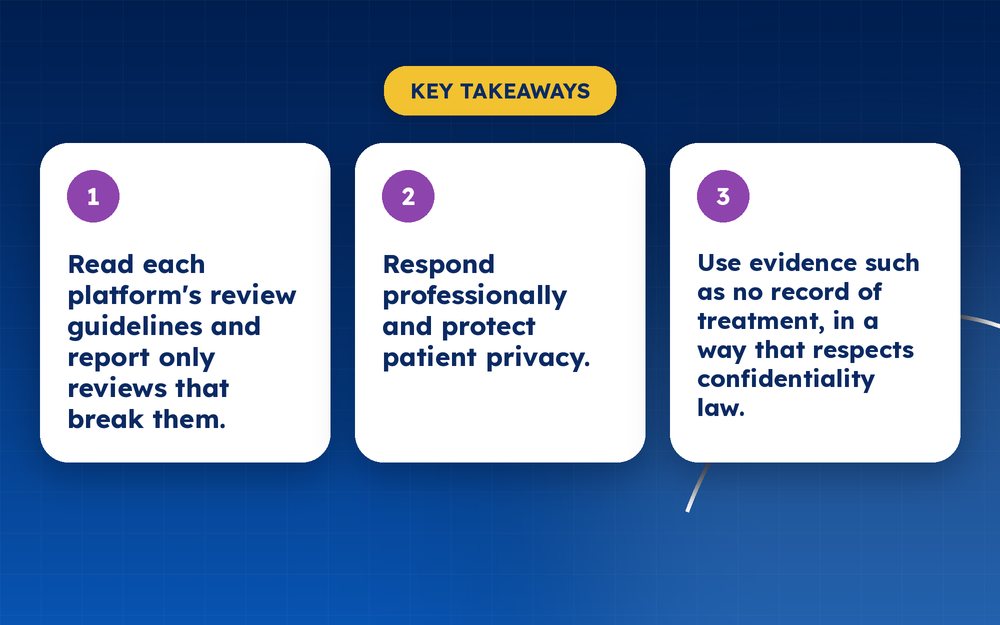
- Read each platform's review guidelines and report only reviews that break them.
- Respond professionally and protect patient privacy.
- Use evidence such as no record of treatment, in a way that respects confidentiality law.
How to deal with it, step by step
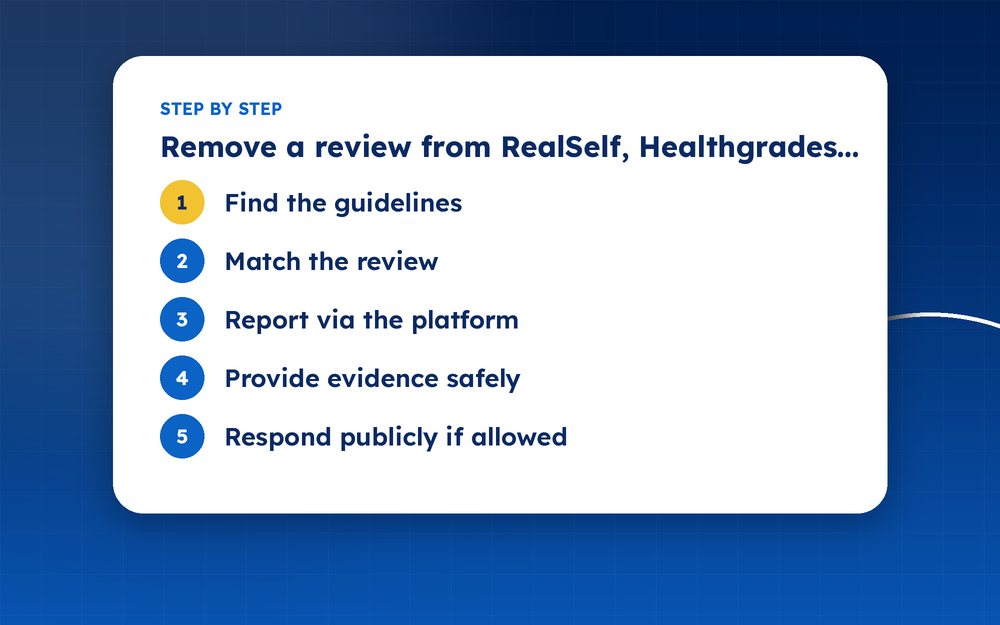
- Find the guidelinesOpen the review policy for the platform and note what it prohibits. Open the site's content guidelines and find the sections about reviews, accuracy, abuse and privacy.
- Match the reviewDecide which rule the review breaks, such as fake, abusive or private information. Check whether the review breaks any listed rule, such as personal attacks, content about staff, or reviews that are not from patients.
- Report via the platformUse the report option or provider support, and quote the rule. Use the site's report or support form, quote the rule and keep the message short.
- Provide evidence safelyExplain what you can without sharing patient information, and follow the platform's process for confidential checks. Share evidence in a way that protects patient privacy. Provide the minimum needed and ask how it will be handled.
- Respond publicly if allowedPost a polite, generic reply that invites the reviewer to contact you. Where replies are allowed, respond in general terms without confirming any patient details.
- Follow upNote dates and references, and follow up politely. Follow up after a few days and keep a record of messages and decisions.
- Build your genuine reviewsAsk patients to leave reviews on the platform, following its rules. Encourage genuine reviews, and respond to feedback so patients see that you listen.
Why platforms differ
Some platforms verify patients through booking or photos, while others rely on self-reporting. Verified platforms may be more cautious about removing reviews because they trust the reviewer. Others may act faster on evidence of fakes. Reading each platform's support pages gives a realistic view.
Using patient confidentiality properly
If you need to show that a reviewer was not a patient, check with the platform on how to do it without revealing private information. Some platforms have confidential review processes for providers. Do not post details publicly.
Responding in a way that helps
A good response shows prospective patients that you take care seriously. Thank the reviewer, express concern, avoid arguing and offer to talk privately. Many readers judge a clinic by the reply as much as by the review.
Managing reputation across platforms
Keep your profiles accurate and up to date on each platform, and encourage reviews on the platforms that matter most for your specialty.
What a typical case looks like
A practice finds a review on a health listing that names a staff member and uses abusive language. The manager reports it under the site's rule on personal attacks, quoting the sentence. The site asks the reviewer to edit it, and the review is updated without the abuse. The practice replies to the remaining comments with a general message.
Quoting the rule and the exact words helped the reviewer see what was wrong.
Common mistakes to avoid
Do not reveal patient details. Do not threaten reviewers. Do not file mass reports. And do not ignore reviews, since silence can look dismissive.
How a specialist can help
A specialist team can review the reports, gather evidence and follow up with platforms. We cannot promise removal, since platforms decide, but we will be honest about what is realistic. Email us in confidence.
Frequently asked questions
Can I remove a review from RealSelf, Healthgrades or Doctify?
Only if it breaks the site's guidelines. Many reviews remain, but abusive or false ones may be removed or edited.
What if the reviewer is not a patient?
Report it with evidence, while protecting patient privacy.
Should I respond publicly?
Where possible, with a general reply that does not confirm any details.
How long does it take?
Often a week or two, depending on the site.
How can I build genuine reviews?
Ask satisfied patients, following the site's rules.
Is this legal advice?
No. It is general information, and laws differ by place. For claims or court action, speak to a qualified lawyer.
Need help with this?
Every situation is different. Email us the details in confidence and we will reply with an honest assessment of what can be done.
Contact us by email Google review removalThis guide is general information, not legal advice. DMCA Reputation is not a law firm.
Related guides
What to Do About Fake Reviews on a Fertility or Hair Transplant Clinic
What to do about fake reviews on a fertility or hair transplant clinic: spot patterns, gather evidence, report to platforms and protect patient trust. General information.
Read the guide · 4 min
How to Handle Unfair Google Reviews for a Wedding or Event Business
How to handle unfair Google reviews for a wedding or event business: flag policy breaches, respond well, use contracts as evidence and build genuine reviews.
Read the guide · 3 min
How to Remove a Google Review: A Complete Guide for Business Owners
How to remove a Google review: what Google will remove, how to report it, how to appeal and what to do if it stays. A guide for business owners.
Read the guide · 6 min