
Instagram, Facebook and WhatsApp are all run by Meta, but each works differently. Public posts can be reported and removed. Private chats are harder. Here is how to handle each.
Meta's rules prohibit sharing intimate images without consent, and its tools let you report content on Facebook and Instagram. Meta was also involved in building StopNCII.org, the hash-matching tool for adults, so those platforms take part in that program.
WhatsApp is end-to-end encrypted, so Meta cannot see the content of chats. That changes what is possible, so the approach there focuses on reporting accounts and preserving evidence.
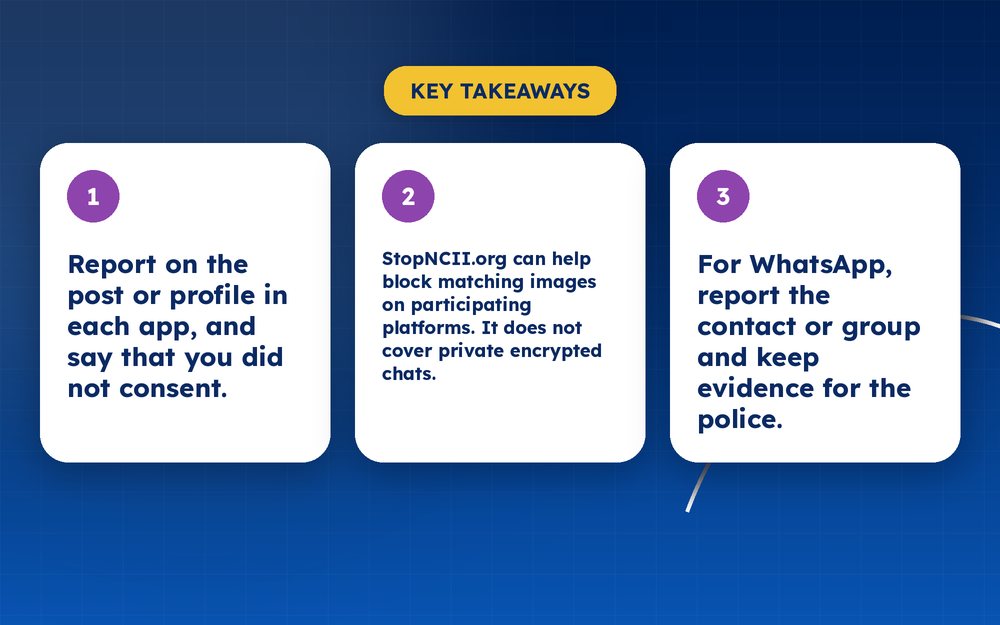
- Report on the post or profile in each app, and say that you did not consent.
- StopNCII.org can help block matching images on participating platforms. It does not cover private encrypted chats.
- For WhatsApp, report the contact or group and keep evidence for the police.
How to remove it, step by step
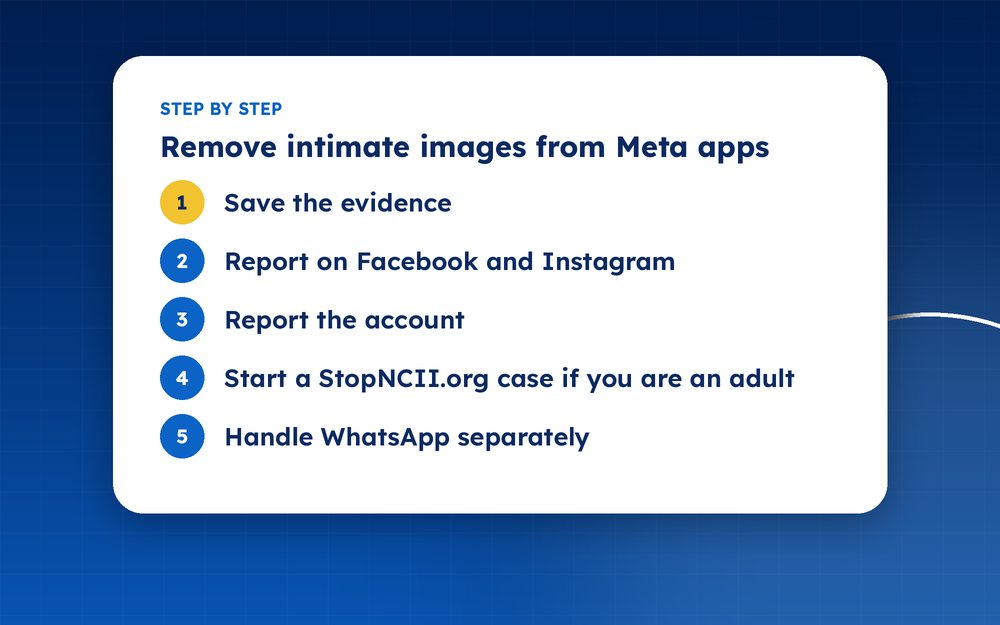
- Save the evidenceScreenshot the post, profile or message, with the account name, date and link. Keep links in a note. Save the post, profile and link. Take screenshots, and ask a trusted person to help if you cannot look.
- Report on Facebook and InstagramUse the report option on the post, story, reel or profile, and choose the category for sharing private images or nudity without consent. Use the report option on the post or message and choose non-consensual intimate imagery. Say you did not consent.
- Report the accountIf an account is posting repeatedly, report the account as well so it can be restricted or removed. Report the profile that posted it, so the account can be restricted or removed.
- Start a StopNCII.org case if you are an adultThe hash is made on your device, and participating platforms can block matching images. It only works on platforms that take part. If you are an adult, you can create a case on StopNCII.org, which creates a digital fingerprint on your device so participating platforms can block matches.
- Handle WhatsApp separatelyReport the contact or group from inside WhatsApp. This shares recent messages with the service for review. Save your own evidence first. WhatsApp chats are encrypted, so you report from inside the chat and block the sender. Use the platform's support form with details if you can.
- Check Messenger and group chatsIf content is in a group chat, report the chat and ask members to remove it. In serious cases involve the police. Check Messenger, group chats and Stories where the image may have been shared, and report each place.
- Ask search engines to remove linksIf public Facebook or Instagram pages appear in search, ask Google to remove the links. Ask Google and Bing to remove search results that link to the images.
Public and private spaces
Posts, stories and public profiles can be reported and removed. Private messages are harder: Meta cannot read WhatsApp chats, so action depends on reports, account bans and the police. Always save evidence before blocking.
Understanding what each app can do
On Facebook and Instagram, content in public posts, stories, reels and profiles can be reported to Meta, which has the ability to review and remove it. On Messenger, the same applies to reported messages. WhatsApp is different because of encryption: Meta cannot read your chats, so it cannot remove images from them, but it can act against accounts and groups reported through the app.
Understanding this helps you plan. For public content, focus on reports and search results. For private chats, focus on evidence, blocking, reporting the account and, where appropriate, the police.
Reducing the chance of repeat sharing
After you have reported, review your privacy settings. Limit who can see your photos, tags and friends list, and check whether any third-party apps have access to your account. If images were taken from a backup, change the password and turn on two-step login for your cloud and email accounts as well.
If you are being threatened
If someone threatens to share images unless you pay or send more, do not pay and do not reply. Save the messages, report the account and report to the police. Our guide on sextortion explains the steps in more detail.
What a typical case looks like
A woman finds that a former partner has posted an intimate image on a private account and sent it to two group chats. She saves evidence, reports the post and account, and blocks the sender in the chat. She creates a StopNCII case, and asks the group admin to delete the message. The platform removes the post within two days, and the group message is deleted.
Different parts of the same family of apps needed different routes.
Common mistakes to avoid
Do not delete chats or posts before saving evidence, and do not rely only on blocking. Do not assume WhatsApp can remove content from a private chat, since it cannot read it. Avoid sending the images to friends to ask for help, because that can spread them. If someone is threatening you, do not pay, and report to the police.
How a specialist can help
Each app has its own forms and follow-ups, and repeat posts are common. A specialist team can prepare the reports, track the replies and monitor for new copies. We cannot guarantee every copy will be removed, but we will be honest about what is realistic. Email us in confidence.
Frequently asked questions
Does Meta remove intimate images posted without consent?
Its rules prohibit it, and reported content is normally removed once reviewed. Use the report option and describe that you did not consent.
Can WhatsApp remove images from a chat?
No, because chats are encrypted. You can report the contact or group, and keep evidence for the police.
What is StopNCII.org?
A free tool for adults. It creates a digital fingerprint of an image on your device so participating platforms can block matching uploads. It does not work on private encrypted chats.
What if the images came from a hacked account?
Secure your accounts, change passwords and turn on two-step login. Tell the police, and report the stolen content.
Will deleting my account help?
No. Keep it until the content is removed so you can report and track requests.
Can someone else report for me?
Platforms generally let you report on behalf of someone, but some actions need the person shown. A professional service can help prepare and submit requests.
Need help with this?
Every situation is different. Email us the details in confidence and we will reply with an honest assessment of what can be done.
Contact us by email NCII removalThis guide is general information, not legal advice. DMCA Reputation is not a law firm.
Related guides
How to Remove Intimate Images From Discord
How to remove intimate images from Discord: collect message links, report to Discord, deal with server admins and stop the content spreading to other servers.
Read the guide · 4 min
How to Remove Intimate Images From Snapchat
How to remove intimate images from Snapchat: report snaps and accounts, handle screenshots and saved copies, and stop the images being shared on other platforms.
Read the guide · 4 min
How to Remove Non-Consensual Intimate Images (NCII), Step by Step
How to remove non-consensual intimate images (NCII): reporting, StopNCII.org, Google removal, legal options and support. A step-by-step guide.
Read the guide · 4 min