
A DMCA notice is a formal request to remove content that infringes your copyright. For ebooks and digital products, it is often the quickest route to getting pirated copies taken down.
The DMCA is a US law, but the notice process is used worldwide, because most large hosts and platforms are US-based or follow similar rules. If you own the rights, you can send a notice to the site, its host and search engines.
This guide is general information, not legal advice. Send notices only for content you own or are authorised to act for.
A clear notice can be the difference between a quick removal and a stalled request. Make it easy for the reader to verify your claim in under a minute.
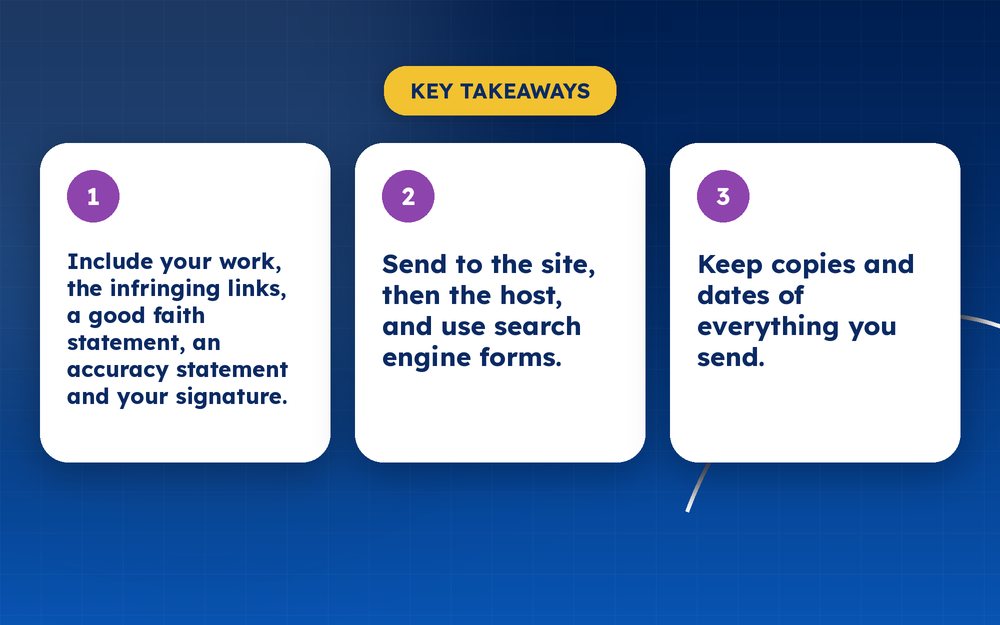
- Include your work, the infringing links, a good faith statement, an accuracy statement and your signature.
- Send to the site, then the host, and use search engine forms.
- Keep copies and dates of everything you send.
How to send a notice, step by step
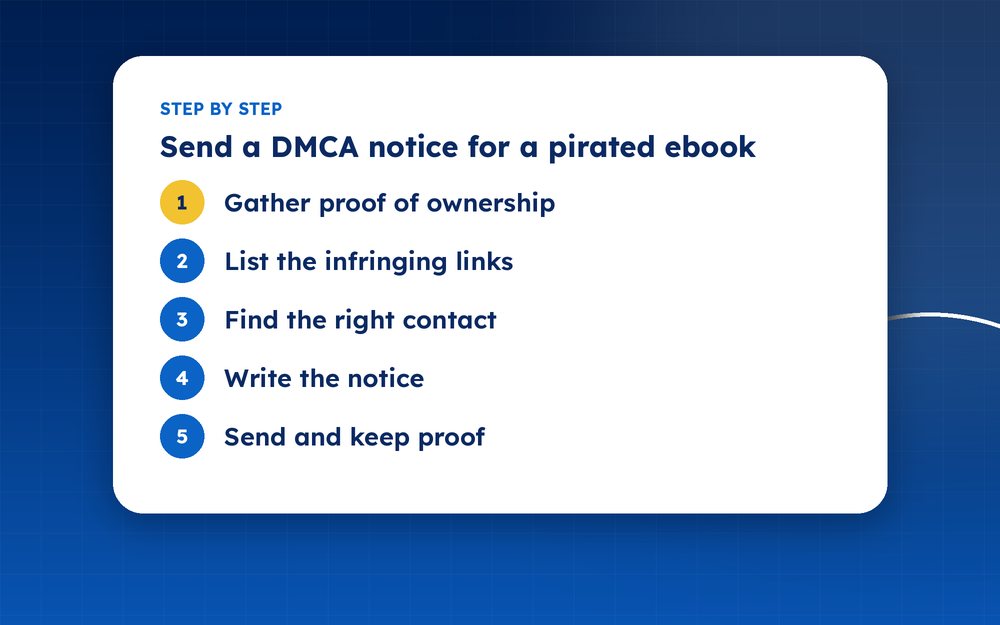
- Gather proof of ownershipHave your product page, file details and publication date. Gather the original file, the date it was created or published and links to your sales page. Include a copy of any registration, if you have one.
- List the infringing linksCopy each exact page address where the product is offered or downloadable. Make a list with one link per line. Include the exact page, not only the site address.
- Find the right contactLook for a DMCA or abuse page on the site, or find the host. Find the designated agent or copyright form of the site, and of its host and other providers if needed.
- Write the noticeIdentify your work and the infringing links, state your good faith belief that the use is unauthorised, state that the information is accurate and that you own or represent the owner, then sign. Include your name, a description of the work, the links, a statement of good faith, a statement of accuracy and your signature. Keep the wording simple.
- Send and keep proofSend by the site's preferred route and save the confirmation. Send by the method the site asks for. Keep a copy and note the date.
- Follow upIf there is no response after a week or so, send a reminder and escalate to the host. If you do not hear back in a few days, send a short follow-up with the reference.
- Ask search engines to remove linksSubmit the same pages to Google and Bing. Submit the links to search engines, so the pages stop appearing in results while you wait.
A simple structure
Start with who you are and what you own. List the original work with a link. Then list each infringing address. Add the required statements and your signature. Keep it to a page, and avoid threats or long explanations.
Counter-notices
The other party can respond with a counter-notice saying that the content is not infringing. If that happens, the host may restore the content unless you start legal action. This is a legal point, so ask a lawyer if you receive one.
Accuracy matters
Misrepresenting a claim can cause problems. Check each link, and include only content you own. If you are unsure whether something is infringing, ask for advice before sending.
Digital products beyond ebooks
The same approach works for templates, presets, software, audio and other digital goods. Describe the original clearly and point to where it is sold.
What a typical case looks like
An author finds her ebook on a download site. She prepares her cover file, publishing date and sales page, then lists 12 links. She sends one notice to the site and another to its host. The site removes the files within three days. She submits the pages to search engines and sets a monthly check.
A well-prepared notice meant the reviewer needed no extra questions.
Common mistakes to avoid
Do not forget the statements and signature. Do not send notices for content you do not own. Do not use only email if the host has a form. And do not forget to log the dates.
How a specialist can help
If you would rather not manage notices yourself, a specialist team can prepare and send them, track responses and escalate. We are not a law firm and cannot give legal advice. Email us in confidence.
Frequently asked questions
What should a DMCA notice include?
The work, the links, your details, statements of good faith and accuracy, and a signature.
Who should I send it to?
The site's copyright agent or form, and its host or other providers if the site does not respond.
Do I need a copyright registration?
Not always for a notice, though registration can matter for lawsuits in some places. Ask a lawyer.
How long does it take?
Often days, though some sites do not respond.
Can I send notices for many links?
Yes, in one notice, as long as each link is listed.
Is this legal advice?
No. It is general information. For claims or court action, speak to a qualified lawyer.
Need help with this?
Every situation is different. Email us the details in confidence and we will reply with an honest assessment of what can be done.
Contact us by email Piracy monitoringThis guide is general information, not legal advice. DMCA Reputation is not a law firm.
Related guides
How to Get Pirated Courses Removed From Google Search
How to get pirated courses removed from Google Search: submit copyright requests, include the right links, track results and combine with notices to hosts.
Read the guide · 3 min
How to Remove Pirated Content From Discord Servers
How to remove pirated content from Discord servers: find the servers, report to Discord, send copyright notices, handle server owners and monitor for new servers.
Read the guide · 3 min
How to Send a DMCA Takedown Notice (With Template)
How to send a DMCA takedown notice: what to include, who to send it to, a free template, counter-notices and common mistakes.
Read the guide · 5 min