
If you or someone you know sees a video that seems to show you doing something you did not do, working out whether it is a deepfake matters for how you report it. Here is how to check.
Deepfake quality varies from obvious to very convincing. No single test is perfect, so use several clues together. If the video is harmful, you do not need to prove it is fake to report it, but evidence helps.
It is also worth remembering that you know where you were and what you did. If you did not film it and do not recognise the scene, that is useful evidence.
It is not always possible to tell by eye, and detection tools are not perfect. The goal here is not to be a forensic expert, but to gather enough observations to report the video and to decide whether to get specialist help.
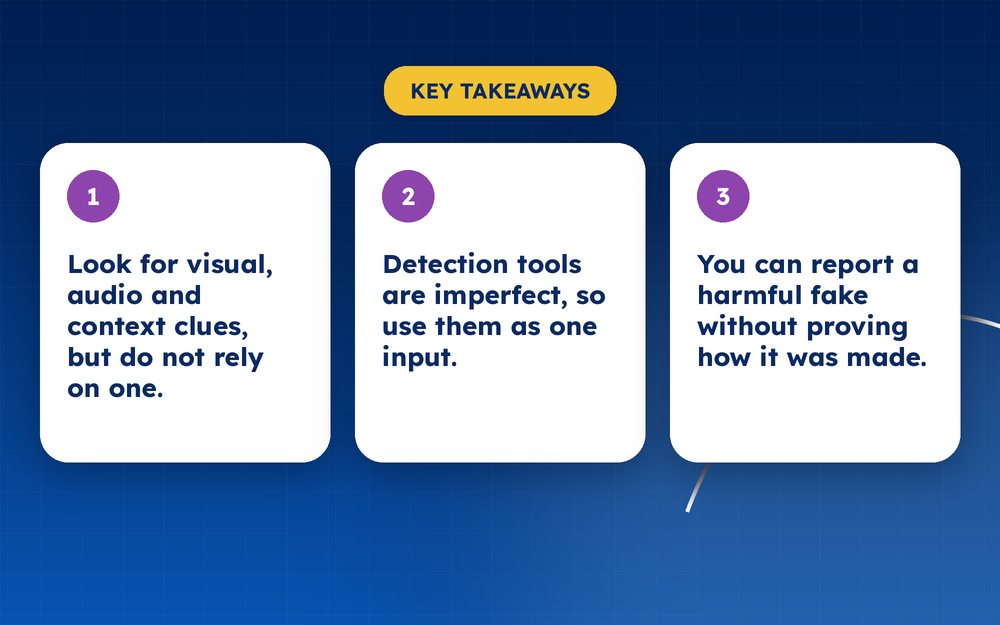
- Look for visual, audio and context clues, but do not rely on one.
- Detection tools are imperfect, so use them as one input.
- You can report a harmful fake without proving how it was made.
How to check, step by step
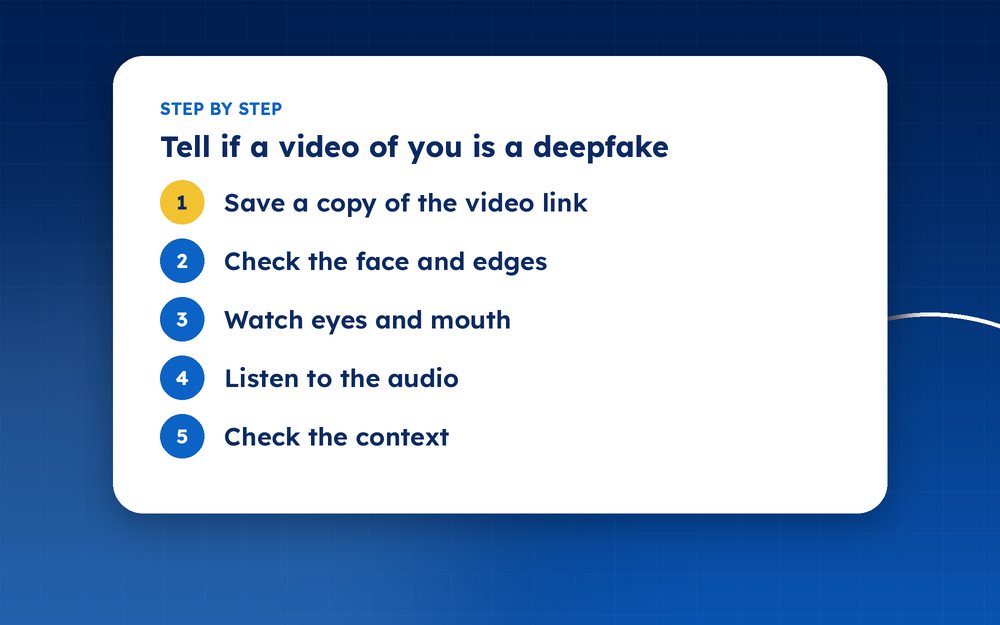
- Save a copy of the video linkRecord the web address and a screenshot. Do not download or share the video further. Save the link, the date and a copy of the video if it is safe to do so. You will need it for reports and analysis.
- Check the face and edgesLook for blurring around the face or hairline, odd skin texture and lighting that does not match the scene. Look at the edges of the face, hair and neck for blurring, flicker or odd shapes. Pause and step through.
- Watch eyes and mouthFakes sometimes show unnatural blinking, mismatched lip movement or strange teeth. Check blinking, lip movement and teeth. Fakes may have unnatural blinking or mouth movement that does not match the words.
- Listen to the audioCheck whether the voice sounds flat, robotic or out of sync with the mouth. Listen for flat tone, odd breathing or sound that does not match the room. Voice clones can sound slightly off.
- Check the contextWhere was it posted, who shared it first and does the scene match any real event you attended? Ask where it came from, who posted it first and whether anything about the setting or clothing contradicts reality.
- Compare with original footageIf you know the source video, compare it. Reverse image search on frames may find the original. If you can find the original clip, compare details such as background and clothing.
- Ask a specialist if neededDigital forensics experts can analyse a video and write a report if you need strong evidence. Specialists can analyse files and metadata. Ask for help if the stakes are high.
Why no single clue is enough
Fakes improve quickly, and some of the old tells have been fixed. Real videos can also show odd artefacts from compression or poor lighting. That is why using several checks and context together is better than relying on one test.
Using detection tools
Some tools estimate whether a video is synthetic. Treat their results as a clue, not proof. If you need evidence for a court or a platform, a forensic report from a qualified expert carries more weight.
What to do if it is a fake
Report it as AI-generated content that falsely shows you. Save evidence, report to platforms, and ask search engines to remove links. If the content is sexual or defamatory, consider the police. You can also tell your employer or contacts if they may see it.
What a typical case looks like
A manager is sent a video of himself apparently saying something offensive. He saves the link and notices that his lip movements slip at some words and the background flickers around his hair. He recalls that he was not in that location on that date. He reports the video as manipulated, shares his observations and asks a specialist for a short report. The platform removes it, and he sends a brief note to his team.
Combining visual clues and facts about where he was gave a clear case.
Common mistakes to avoid
Do not share the video to ask others whether it is fake. Do not confront the poster without support. Do not rely only on a free detector. And do not assume that a convincing fake cannot be removed.
How a specialist can help
If a fake video is spreading, a specialist team can handle searching, reporting and monitoring while you gather evidence. We cannot promise every copy will be removed, but we will be honest about what is realistic. Email us in confidence.
Frequently asked questions
How can I tell if a video is a deepfake?
Look for odd edges, blinking, lip movement and audio mismatch, check the source and compare with the original.
Can software detect deepfakes?
Tools exist, but they are not perfect. Treat results as clues.
Do I need proof to report?
You can report if you believe it is fake and say why.
What if I cannot tell?
Ask a specialist, and report the context and lack of consent.
Should I share the video to ask others?
Be careful. Sharing may spread it. Send it privately to trusted people.
Is this legal advice?
No. It is general information, and laws differ by country. For claims or court action, speak to a qualified lawyer.
Need help with this?
Every situation is different. Email us the details in confidence and we will reply with an honest assessment of what can be done.
Contact us by email Deepfake removalThis guide is general information, not legal advice. DMCA Reputation is not a law firm.
Related guides
How to Remove a Deepfake of a CEO or Public Figure
How to remove a deepfake of a CEO or public figure: fast response plan, platform reports, search removal, legal routes and how to protect trust with customers.
Read the guide · 4 min
What to Do If Your Face Is Used in a Fake Ad or Scam Endorsement
What to do if your face is used in a fake ad or scam endorsement: report to the ad platform, warn followers, remove copies and protect your reputation and your audience.
Read the guide · 4 min
How to Remove Deepfakes of Yourself
How to remove deepfakes of yourself: documenting evidence, platform reports, search removal and legal options for AI-generated fake images and videos.
Read the guide · 4 min