
App store reviews affect downloads directly. Both Apple and Google let developers report reviews and reply publicly, and they remove reviews that break their policies.
Stores remove reviews that are spam, fake, offensive, off-topic or posted for payment. Honest complaints about bugs or pricing stay. Developers can reply, and replies often lead users to update their ratings after a fix.
The approach is to separate genuine feedback from policy-breaking reviews, report the latter and use replies to resolve the former.
App store reviews affect downloads and rankings, so even a few fake ones matter. Stores weigh reports about spam and abuse more than complaints about honest criticism, which means your evidence of a pattern is important.
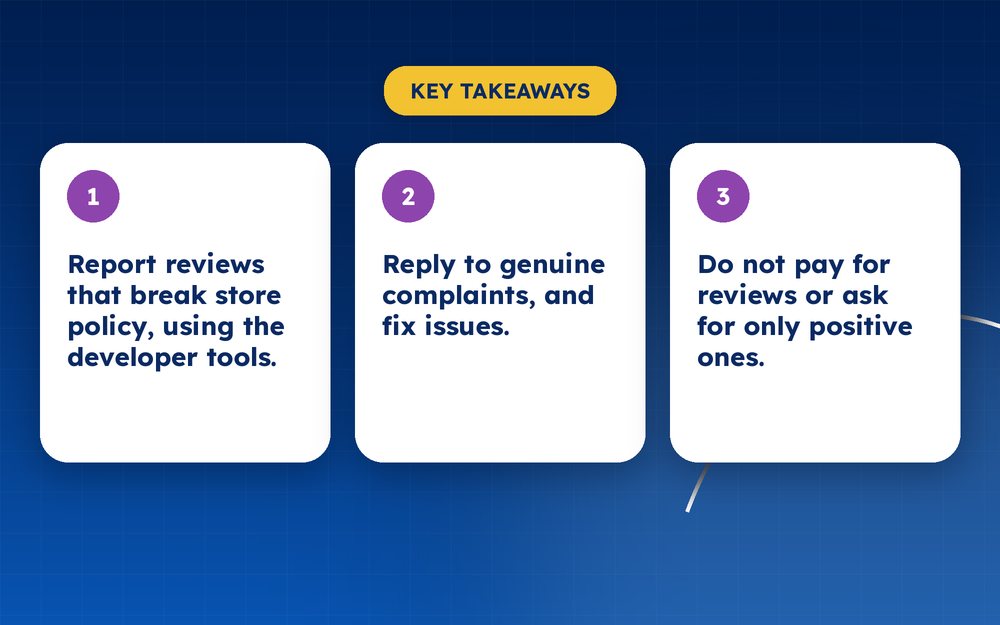
- Report reviews that break store policy, using the developer tools.
- Reply to genuine complaints, and fix issues.
- Do not pay for reviews or ask for only positive ones.
What to do, step by step
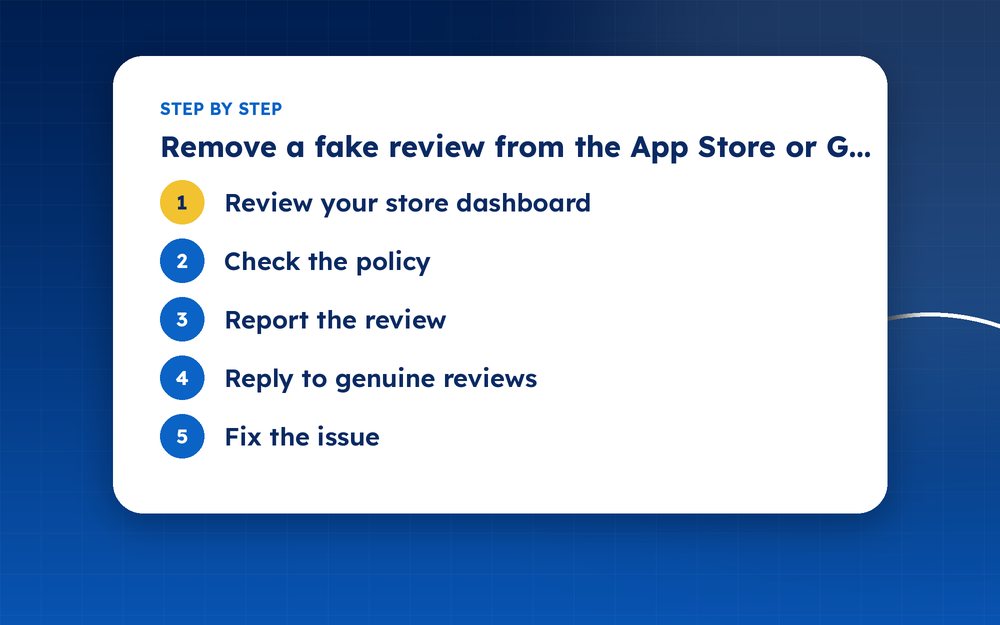
- Review your store dashboardFind the reviews and the report options in your developer console. Open your developer dashboard and check the review, the date, the version and the account. Look for patterns such as many reviews in a short time.
- Check the policyCompare the review with the store's rules. Read the store's review policy for spam, fake reviews, offensive content and off-topic comments. Decide which rule the review breaks.
- Report the reviewUse the report option and choose the closest reason. Use the report option in the dashboard, and explain which policy is broken. For multiple reviews, report each and note the pattern.
- Reply to genuine reviewsBe helpful, specific and polite. Reply politely to genuine reviews, even negative ones. A calm reply shows other users that you care.
- Fix the issueRelease updates and mention them in replies. Some reviews point to real bugs. Fix them, update the app and mention it in your reply. Users sometimes update their ratings.
- Ask happy users to reviewUse in-app prompts at suitable moments, following store rules. Add a prompt in the app asking happy users to leave a rating, at a good moment and without pressure. Follow the store's rules on prompts.
- Track patternsWatch for review bombs or coordinated attacks. Keep a simple log of suspicious reviews with dates and accounts. If you see waves of fake reviews, include the pattern in your reports.
Review bombing
A sudden wave of one-star reviews can come from a controversy, a competitor or an angry community. Document the timing and wording, and report coordinated reviews with evidence.
Replying well
A fast, helpful reply shows other users you care. Give clear steps, avoid defensive language and invite users to contact support. Many users update ratings after a fix.
In-app review prompts
Prompt users at moments of success, not during errors, and use the store's official review prompt tools. Avoid gating reviews by sentiment, which breaks the rules.
Using support channels
Developer support routes can help in cases of obvious abuse. Provide clear evidence and be patient.
What a typical case looks like
A developer sees twelve one-star reviews in two days, all with similar wording and none mentioning a real feature. She saves screenshots, reports each review under the spam policy and notes that they arrived together. The store removes nine within a week. She replies to two genuine complaints, fixes a bug and adds an in-app prompt for happy users. Within a month, her rating recovers.
Reporting the pattern, rather than just individual reviews, helped her case.
Common mistakes to avoid
Do not buy reviews. Do not attack reviewers. Do not ignore bugs. And do not report honest negative reviews.
How a specialist can help
A specialist team can analyse review patterns and prepare reports. We cannot promise removal, since stores decide, but we will be honest about what is realistic. Email us in confidence.
Frequently asked questions
Can fake app store reviews be removed?
Yes, if they break the store's policy on spam, fake reviews or abuse. Honest negative reviews usually stay.
How do I prove a review is fake?
Show a pattern: matching text, accounts created at the same time, or reviews that do not match your app. Save dates and links.
Should I reply to negative reviews?
Yes, politely and briefly. It shows other users you care and can encourage updates.
Can I pay to remove reviews?
No. Offering money for reviews or removals can break store rules and cause problems.
How do I get more genuine reviews?
Ask satisfied users at a good moment inside the app, follow store rules and fix issues quickly.
Is this legal advice?
No. It is general information. For claims or disputes, speak to a qualified lawyer.
Need help with this?
Every situation is different. Email us the details in confidence and we will reply with an honest assessment of what can be done.
Contact us by email Negative content removalThis guide is general information, not legal advice. DMCA Reputation is not a law firm.
Related guides
How to Remove a Fake Airbnb or Etsy Review
How to remove a fake Airbnb or Etsy review: what each platform covers, how to report, how to respond as a host or seller and how to protect your rating.
Read the guide · 3 min
How to Remove a Post From a Facebook Group or Nextdoor
How to remove a post from a Facebook group or Nextdoor: report to admins and the platform, handle private information and harassment and respond calmly.
Read the guide · 3 min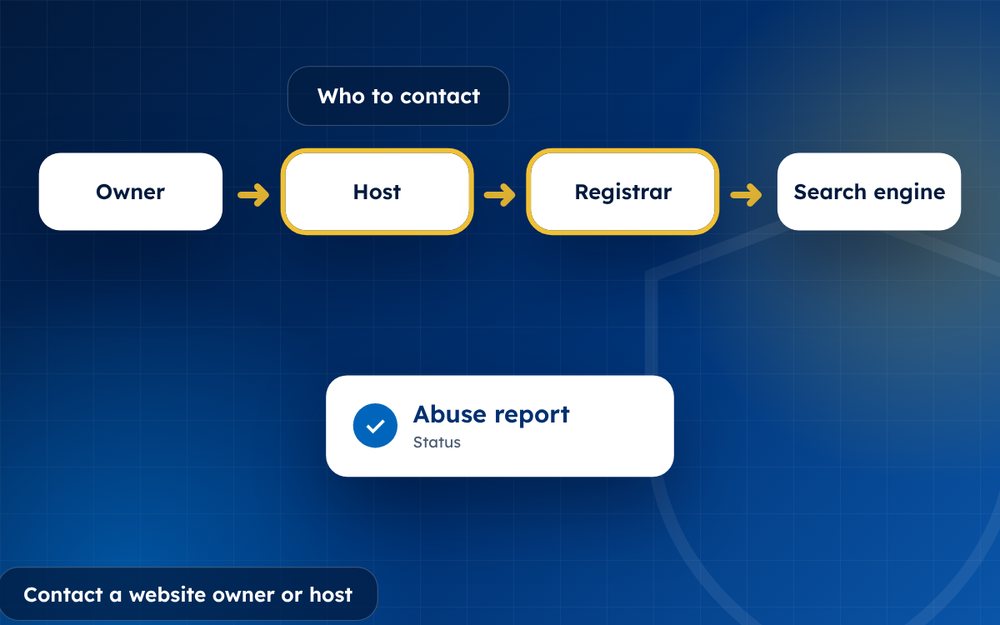
How to Contact a Website Owner or Hosting Company to Remove Content
How to contact a website owner or hosting company to remove content: finding contacts, writing the request and escalating step by step.
Read the guide · 4 min