
If you own a website, Search Console lets you request temporary removal of pages from Google results. For lasting removal you also need to change the page itself.
The removals tool in Search Console hides a URL from Google results for a limited time. To keep it out permanently, you must delete the page, return an appropriate error code or add a noindex instruction.
You need to verify ownership of the site in Search Console, so this tool is for site owners, not for people trying to remove content from sites they do not control.
This tool is for site owners. It hides a page from results temporarily while you make a lasting change, so plan the permanent fix at the same time or the page will return.
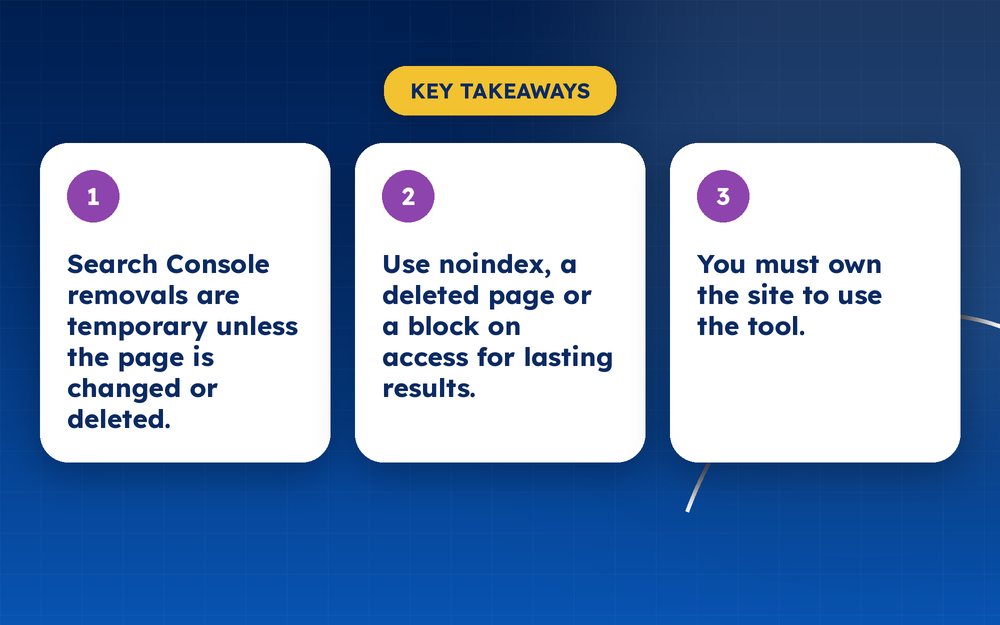
- Search Console removals are temporary unless the page is changed or deleted.
- Use noindex, a deleted page or a block on access for lasting results.
- You must own the site to use the tool.
How to do it, step by step
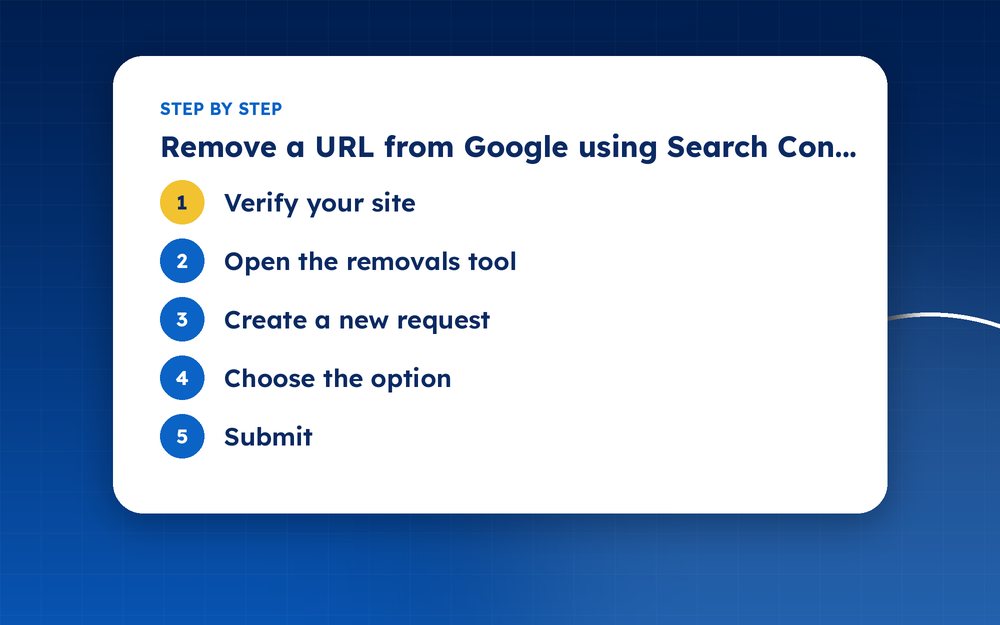
- Verify your siteAdd and verify your property in Search Console. Add your site and verify ownership in Search Console, using the method that suits you, such as a DNS record or HTML file.
- Open the removals toolFind the removals section in the menu. Go to the removals section in the tool. It shows existing requests and lets you create a new one.
- Create a new requestEnter the URL, or a prefix for several pages. Start a new request. You will be asked whether to remove a single address or all addresses with a prefix.
- Choose the optionPick whether to remove the URL or clear the cached copy. Choose the single address or prefix option, and decide whether to also clear the cached version.
- SubmitSave the request and note the date. Enter the exact address and submit. Check that you typed it correctly, including the version with or without a trailing slash.
- Make the change permanentDelete the page, add noindex or restrict access. The temporary hide lasts for a limited time. For a permanent result, delete the page, or use a noindex tag or password protection.
- Check the resultsSearch again after processing. Check the status in the tool and search for the page. Keep the record of your request.
Temporary versus permanent
A temporary removal hides a URL for a limited time, after which it can return if the page still exists and is indexable. For permanent results, change the page, for example by deleting it so it returns a not-found response.
Using noindex
A noindex tag tells search engines not to show the page. Google must be able to crawl the page to see the tag, so do not block it in robots rules at the same time.
Sensitive content
If a page contains sensitive information, remove it at the source first. Do not rely on hiding it from search alone, since it may still be accessible by link.
When you do not own the site
If the site belongs to someone else, you cannot use this tool. Use Google's other forms for legal, copyright or personal information removals, and contact the site owner.
What a typical case looks like
A site owner accidentally publishes a page with private customer details. She submits a removal request for the address in Search Console and then deletes the page from the site. The page disappears from results within a day. If she had not deleted the page, it would have returned when the temporary request expired.
The combination of a quick hide and a permanent fix is what protects you.
Common mistakes to avoid
Do not block crawling and expect noindex to work. Do not forget to remove the content itself. Do not treat temporary hiding as permanent. And do not skip verification.
How a specialist can help
A specialist team can plan removal across your site and search engines, and handle requests for sites you do not own. We cannot promise results, but we will be honest about what is realistic. Email us in confidence.
Frequently asked questions
Can anyone remove a URL using Search Console?
Only verified owners of a site can use the removals tool for its pages. Others need to use the forms for outdated or personal content.
Is the removal permanent?
No, it is temporary. You must also remove the page, block it from indexing or protect it.
How fast does it work?
Often within a day.
What is the difference between removing and noindexing?
Removing hides a page for a limited time. A noindex tag tells search engines not to list it for as long as the tag remains.
Can I remove a whole section?
Yes, by choosing the prefix option, but double check the address to avoid hiding too much.
Is this legal advice?
No. It is general information. For privacy rights or claims, speak to a qualified lawyer.
Need help with this?
Every situation is different. Email us the details in confidence and we will reply with an honest assessment of what can be done.
Contact us by email Google search result removalThis guide is general information, not legal advice. DMCA Reputation is not a law firm.
Related guides
Outdated Content Tool vs Removals Tool: Which Should You Use?
Outdated content tool vs removals tool: what each does, who can use it, when to choose one and how to combine them with other removal routes.
Read the guide · 4 min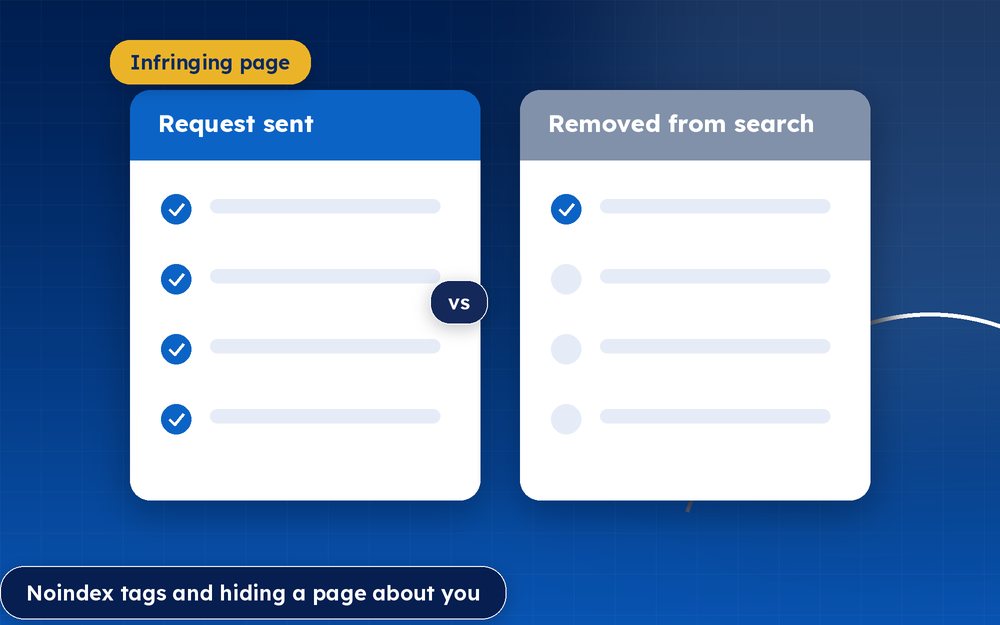
What Is a Noindex Tag and Can It Hide a Page About You?
What is a noindex tag and can it hide a page about you? How it works, who can add one, how to ask a site owner for it and what it cannot fix.
Read the guide · 4 min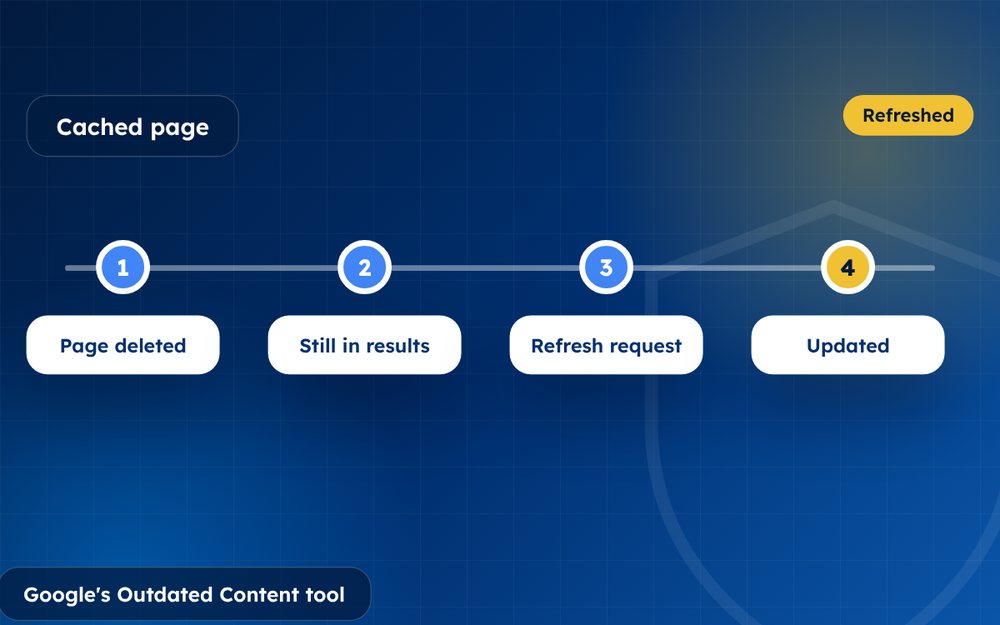
How to Refresh Outdated Content in Google Search
How to use Google's Refresh Outdated Content tool when a page or image no longer exists, or when important information has been removed from a page that stays online.
Read the guide · 4 min