
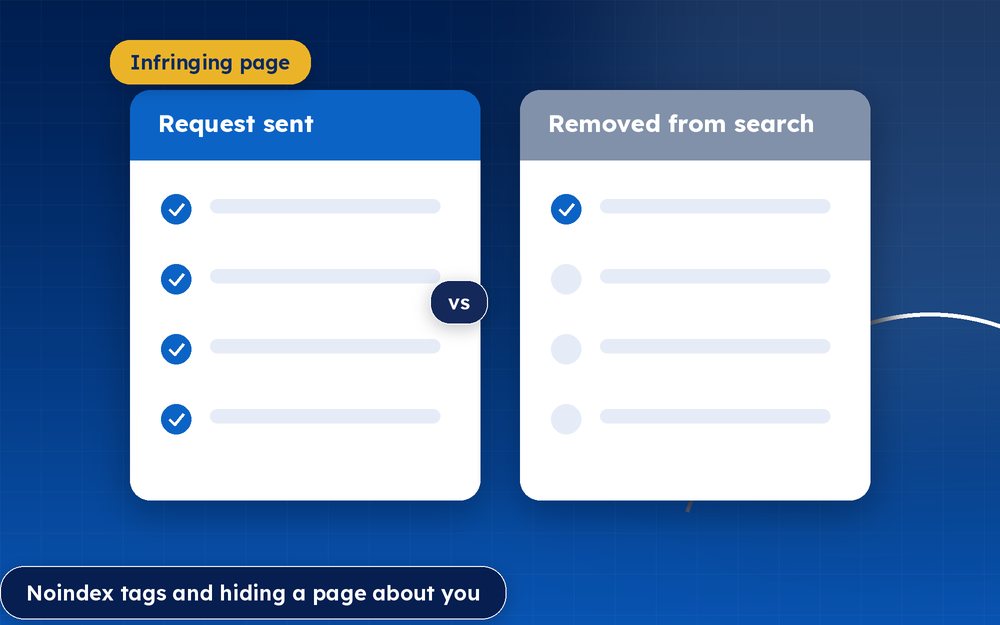
A noindex tag asks search engines not to list a page. It can hide a page about you from search, but only the site owner can add it, and it does not delete the page.
Noindex is an instruction in a page or its headers. Major search engines respect it and remove or avoid listing the page. The page itself still exists, and anyone with the link can open it.
If a site owner agrees to your request, adding noindex can be a good compromise when they refuse to delete content.
A noindex tag is a polite instruction to search engines. It only works if the site owner adds it and the search engine can see it, so the real task is persuading the owner to act.
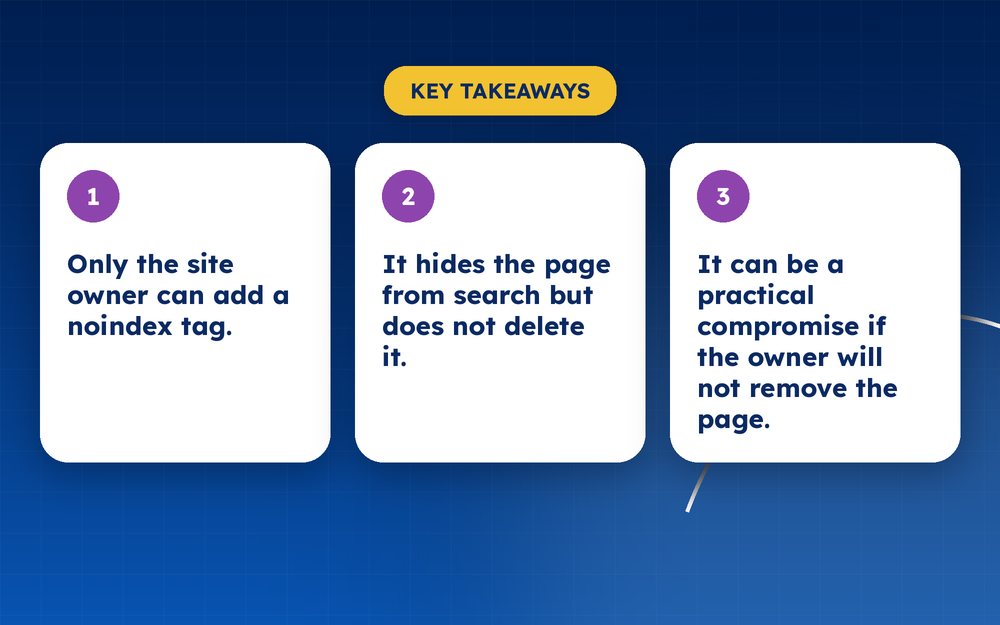
- Only the site owner can add a noindex tag.
- It hides the page from search but does not delete it.
- It can be a practical compromise if the owner will not remove the page.
How to use it, step by step
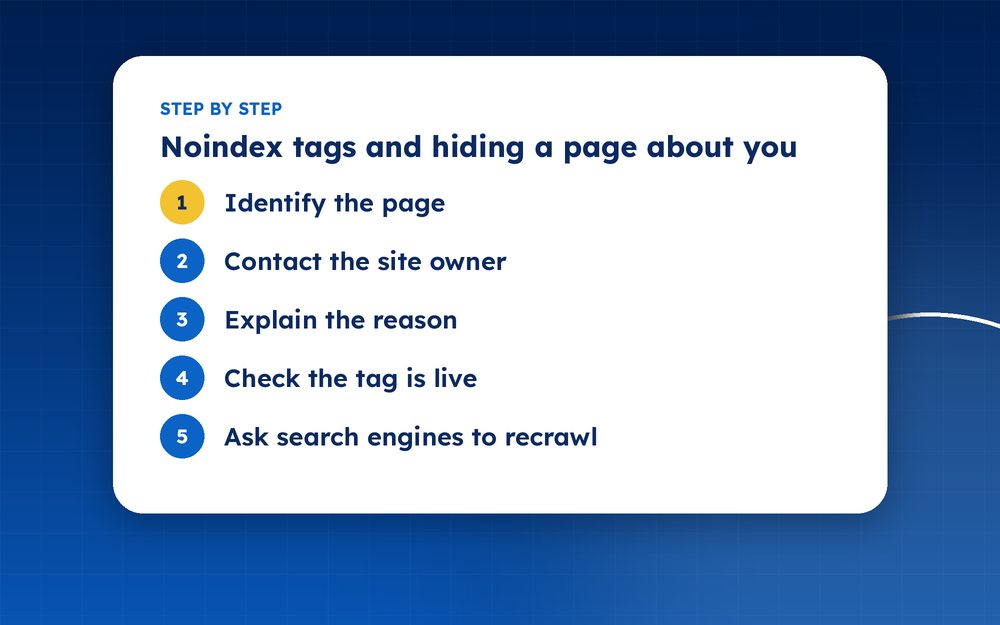
- Identify the pageRecord the exact URL. Save the address and note who owns the page. Check whether the owner is a person, a company or a platform.
- Contact the site ownerAsk politely whether they can add noindex or remove the page. Look for a contact page, an email or the platform's report form. A polite, specific request is better than a complaint.
- Explain the reasonSay briefly why it matters. Explain why the page should not appear in search, for example it contains private information or is outdated. Offer simple wording.
- Check the tag is liveAfter they add it, inspect the page source or ask them to confirm. Ask them to confirm when done, and check the page source for the noindex tag. Make sure it is not blocked by other settings.
- Ask search engines to recrawlSite owners can request recrawl through Search Console. After the tag is live, ask the search engine to refresh the page or wait for it to recrawl. Use the outdated content tool if needed.
- MonitorCheck search results after a few days. Check search results every few days for a few weeks.
- Use other routes if refusedPolicy, legal or host routes may still apply. If the owner refuses, consider other routes such as copyright, privacy or legal requests, or ask the host.
How noindex works
The tag sits in the page's head or in a server header. When a search engine crawls it, it learns not to list the page. It must be able to crawl the page to see the tag, so blocking crawlers at the same time can stop it working.
Why owners agree
Owners sometimes prefer noindex to deletion, because it keeps the content on their site for those with a link. A polite request that explains the harm and suggests noindex as a middle option can succeed.
Limits
Noindex does not stop the page being shared by link, copied by others or archived. It also needs the owner's cooperation. It is not a substitute for removing illegal or harmful content.
Other options
If an owner refuses, you can use search engine forms where the content qualifies, contact the host or seek legal advice for serious issues.
What a typical case looks like
A person finds an old news page about him listed high in search. The publisher will not delete it, but agrees to add a noindex tag after a polite request explaining that the story is outdated. The tag is added, and within two weeks the page disappears from search results. The page is still available to people with the link.
Asking for a smaller change gave the publisher a way to say yes.
Common mistakes to avoid
Do not expect noindex to delete content. Do not forget to confirm it works. Do not threaten the owner. And do not stop monitoring.
How a specialist can help
A specialist team can contact site owners, propose practical solutions like noindex and follow up. We cannot promise cooperation, but we will be honest about what is realistic. Email us in confidence.
Frequently asked questions
What is a noindex tag?
It is an instruction in a page that tells search engines not to list it in results.
Can I add one to someone else's page?
No. Only the site owner or someone with access can. You can ask them.
Does noindex delete the page?
No. The page remains online, but should not appear in search.
How long does it take?
It depends on when the search engine next visits the page, often days to weeks.
What if the owner refuses?
Try other routes such as privacy or copyright requests, or contact the host.
Is this legal advice?
No. It is general information. For privacy rights or claims, speak to a qualified lawyer.
Need help with this?
Every situation is different. Email us the details in confidence and we will reply with an honest assessment of what can be done.
Contact us by email Google search result removalThis guide is general information, not legal advice. DMCA Reputation is not a law firm.
Related guides
How to Remove Content From DuckDuckGo and Yandex
How to remove content from DuckDuckGo and Yandex: how each uses other indexes, where to send requests, what to expect and how to reduce visibility.
Read the guide · 3 min
How to Remove Your Name From People-Search and Background Check Sites
How to remove your name from people-search and background check sites: opt-out steps, what to prepare, how often to repeat and how to reduce your data trail.
Read the guide · 3 min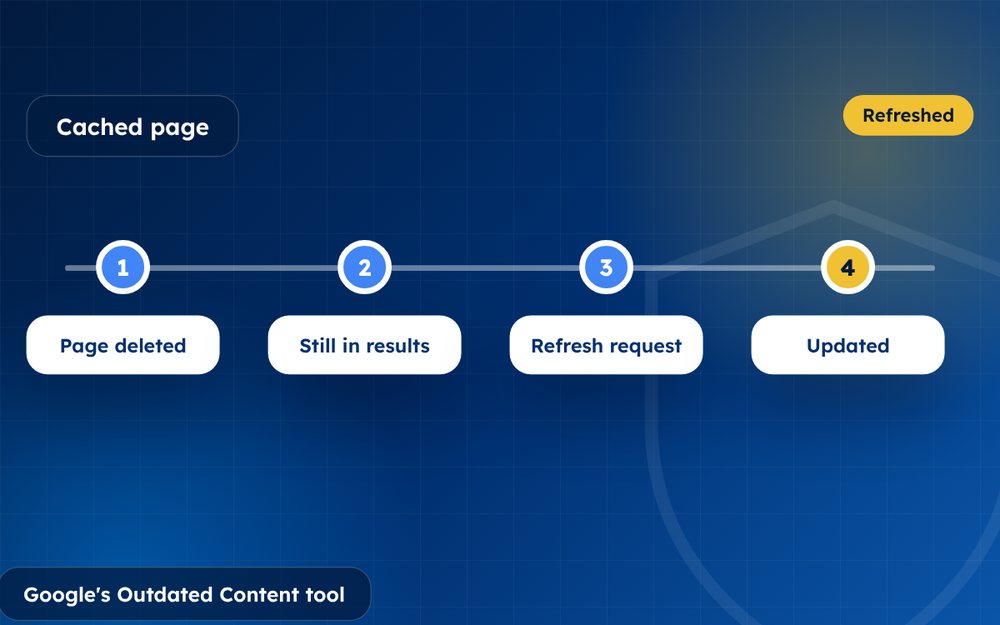
How to Refresh Outdated Content in Google Search
How to use Google's Refresh Outdated Content tool when a page or image no longer exists, or when important information has been removed from a page that stays online.
Read the guide · 4 min