
Sometimes content is deleted from a website, but Google still shows the old snippet or a stored version. There are tools to refresh or remove these outdated results.
Search engines keep copies of pages to show snippets and, in some cases, previews. After a page changes or disappears, the old information can linger until the search engine recrawls it.
Google offers tools for site owners and for anyone else to request an update of outdated content. Which tool applies depends on whether the page is still live.
Cached or outdated results are usually a timing problem rather than a permanent one. The page has changed or gone, but the search engine has not yet noticed. The right tool depends on whether the page still exists.
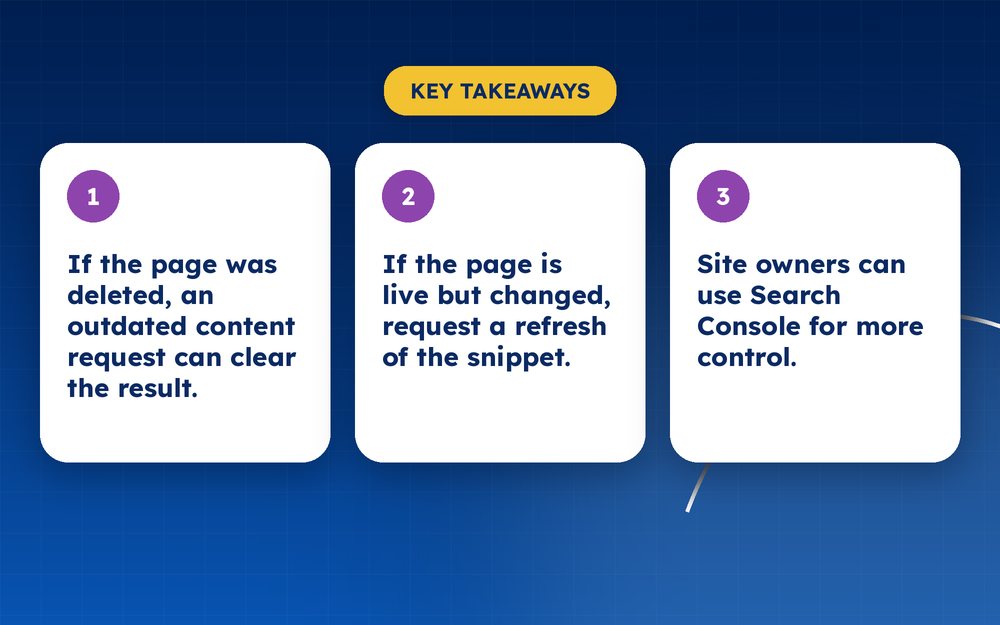
- If the page was deleted, an outdated content request can clear the result.
- If the page is live but changed, request a refresh of the snippet.
- Site owners can use Search Console for more control.
How to refresh it, step by step
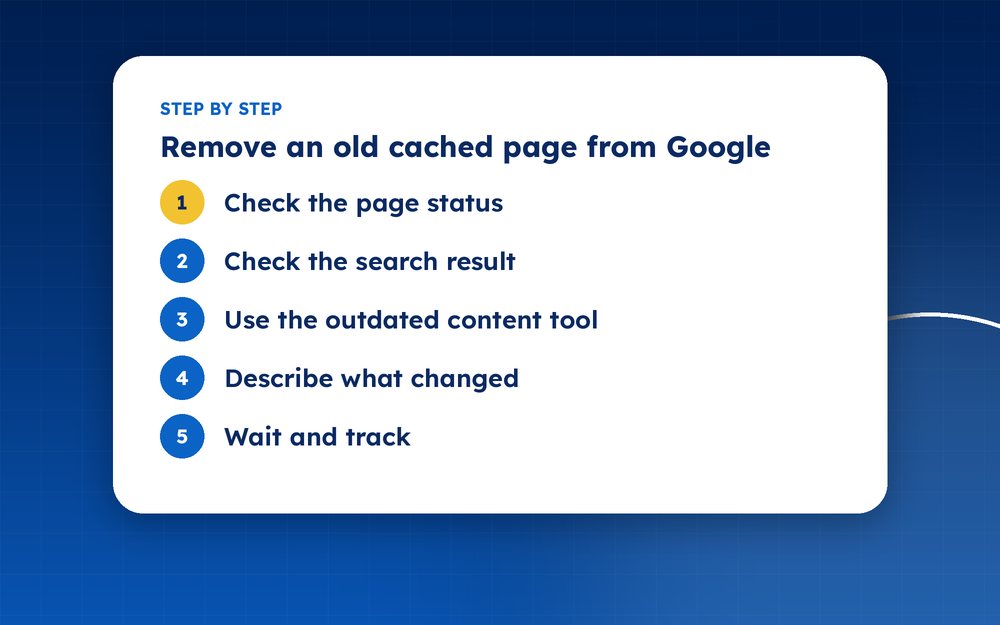
- Check the page statusVisit the link. See whether it is gone or changed. Open the link. If it shows an error or has changed, search engines should eventually update, and you can speed this up.
- Check the search resultNote the old text still showing in the snippet. Search for the old text in quotes and see whether the snippet still shows what you removed.
- Use the outdated content toolSubmit the link to the tool for outdated content. Use the tool for removing outdated content, which asks the search engine to refresh results for pages that have changed or been removed.
- Describe what changedExplain that the page was removed or updated. Enter the web address and, if asked, the old words that appear in results but not on the page. This helps reviewers check.
- Wait and trackCheck again after a few days. Wait a few days and search again. You can track the status of your request in the tool.
- If you own the site, use Search ConsoleUse the removals and indexing tools. If you own the site, the removals tool in Search Console gives you more control and quicker results.
- Check other search enginesBing and others have their own tools. Other search engines have their own tools. Update requests may be needed for each.
Why old snippets persist
Search engines recrawl pages on their own schedule. Less popular pages may not be recrawled for weeks, so deleted content can linger. A request prompts a quicker check.
Deleted versus changed pages
If the page returns an error, the engine can remove it. If the page is live but the text changed, the tool asks the engine to refresh the snippet. If sensitive text is still on the page, you need to remove it at the source first.
Cached copies on other sites
Web archives and other sites may store copies. These need separate requests, and not all will remove content.
What this does not do
It does not remove pages that are still live and unchanged. For those, use the right route for the content: policy, copyright, legal or personal information.
What a typical case looks like
A shop owner deletes a page showing an old price list, but the result still displays it. She uses the outdated content tool with the address and the old words. Google refreshes the snippet within two days. She also checks another search engine, which updates after she submits a request.
The key was telling the tool exactly what text should no longer appear.
Common mistakes to avoid
Do not use the tool for live pages with no changes. Do not forget to fix the source. Do not expect instant results. And do not ignore other search engines.
How a specialist can help
A specialist team can handle source removal and refresh requests across search engines and archives. We cannot promise results, but we will be honest about what is realistic. Email us in confidence.
Frequently asked questions
Why does an old version of a page still show?
Search engines update pages on their own schedule. Until they recrawl, they may show old content.
How do I speed it up?
Use the outdated content tool or, if you own the site, Search Console. Provide the address and the old text.
How long does it take?
Often a few days, though it can vary.
Is a cached link the same as a result?
A cached copy is a stored version of the page. Removing or updating the page and requesting a refresh clears it over time.
What if the page is still live?
Change or remove the page first, or use the appropriate removal tool if you control it.
Is this legal advice?
No. It is general information. For privacy rights or claims, speak to a qualified lawyer.
Need help with this?
Every situation is different. Email us the details in confidence and we will reply with an honest assessment of what can be done.
Contact us by email Google search result removalThis guide is general information, not legal advice. DMCA Reputation is not a law firm.
Related guides
How to Remove a URL From Google Using Search Console
How to remove a URL from Google using Search Console: temporary removals, permanent options, noindex, what you need to own the site and common limits.
Read the guide · 4 min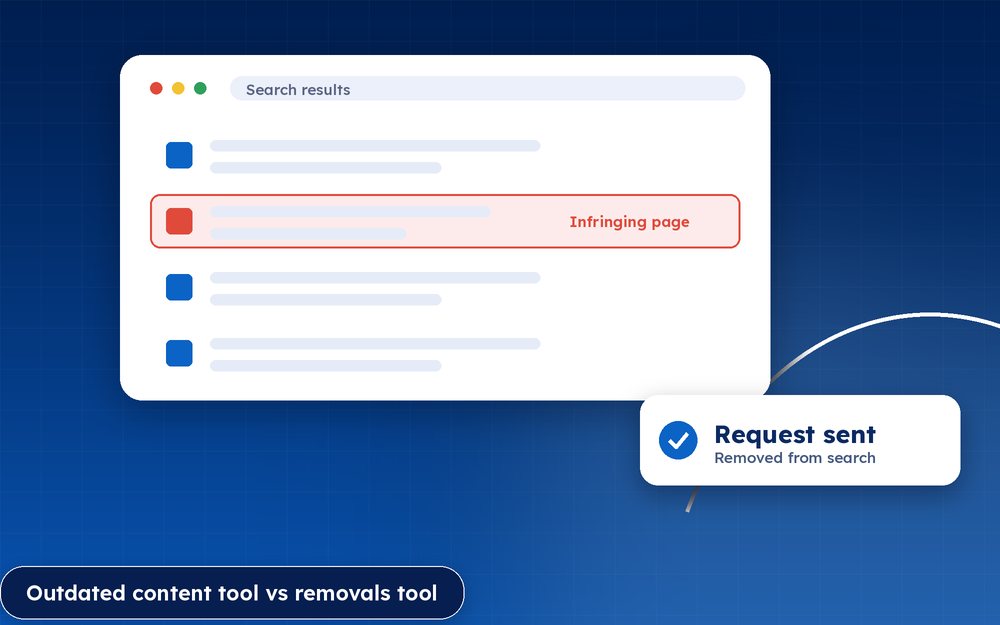
Outdated Content Tool vs Removals Tool: Which Should You Use?
Outdated content tool vs removals tool: what each does, who can use it, when to choose one and how to combine them with other removal routes.
Read the guide · 4 min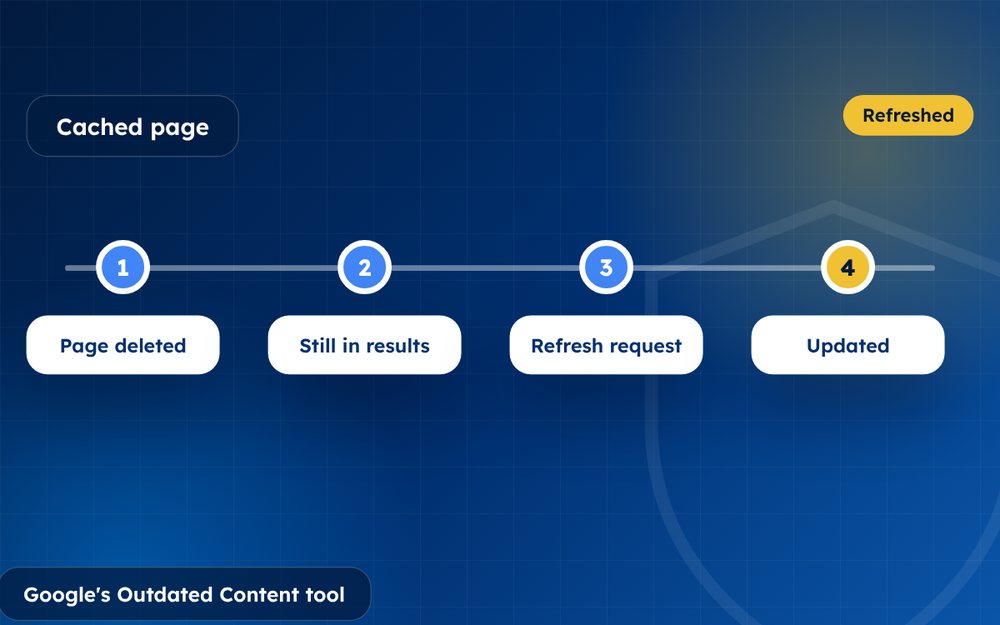
How to Refresh Outdated Content in Google Search
How to use Google's Refresh Outdated Content tool when a page or image no longer exists, or when important information has been removed from a page that stays online.
Read the guide · 4 min