Fake accounts that use your photos can steal your audience, scam fans and damage your name. They can be reported on the platform, and the photos can be taken down under copyright.
Impersonators copy photos and videos, sometimes adding fake names, to sell subscriptions or to run scams. Fans can be confused, and you may receive complaints for things you did not do.
Platforms generally treat impersonation and copyright infringement as serious. A clear report that shows you are the real owner of the content is usually enough to start action.
Fake accounts hurt twice: they steal income and confuse fans. Reporting each one with clear proof that you are the real person is the fastest way to remove them.
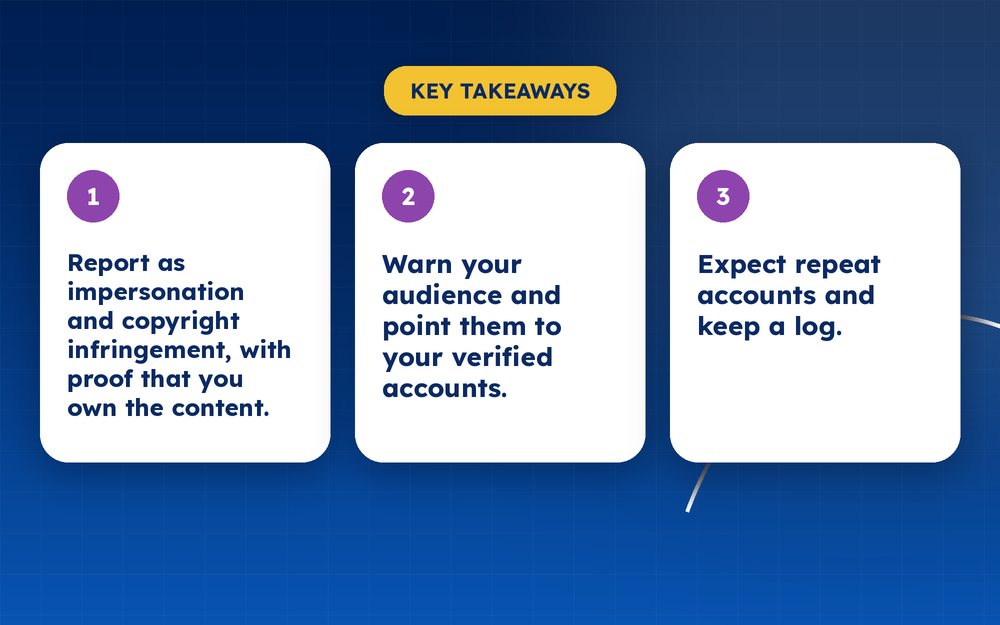
- Report as impersonation and copyright infringement, with proof that you own the content.
- Warn your audience and point them to your verified accounts.
- Expect repeat accounts and keep a log.
How to remove the account, step by step
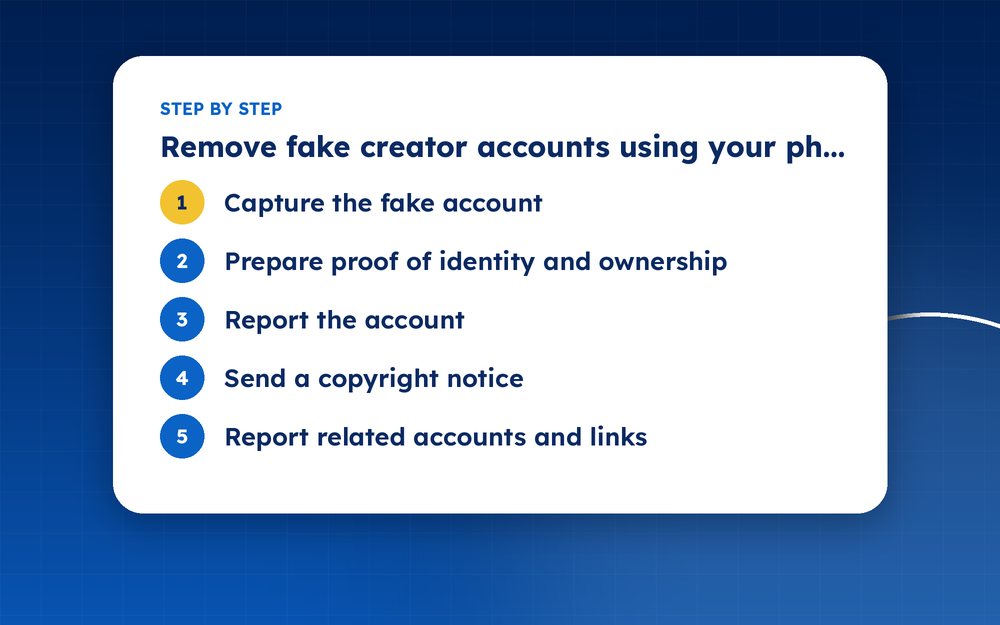
- Capture the fake accountScreenshot the profile, bio, posts and any prices or links, with the web address. Save the profile, username, link, photos used and any posts. Record the date.
- Prepare proof of identity and ownershipHave links to your real accounts and original content, and verification where the platform offers it. Prepare proof that you are the owner of the images, such as original files and links to your official pages.
- Report the accountUse the platform's impersonation and copyright routes. Name your real account. Use the platform's report option for impersonation or stolen content, and attach your proof.
- Send a copyright noticeList the infringing content and identify your originals. Send a copyright notice for the images used, including the profile and any posts.
- Report related accounts and linksCheck for the same photos on social media and other sites and report them. Report linked accounts, social profiles and payment links used by the fake.
- Warn your audiencePost a short message saying which accounts are really yours. Tell your fans how to find your real profile and that you have no other accounts.
- Monitor for new fakesSearch your name and photos regularly. Search regularly for new fakes, and report them quickly.
Verification helps
If your platform offers verified creator status, complete it. It makes impersonation reports easier and helps fans tell the real you apart from fakes. Keep your real handles consistent across platforms and link them to each other.
Protecting fans from scams
Fake accounts sometimes ask fans for payments outside the platform. Tell fans that you only take payment through your official account, and to report any account that asks otherwise. A short pinned post can prevent a lot of harm.
Reverse image search
Use reverse image search on a few profile photos to find where else they appear. Doing this periodically finds new fakes early. A helper or monitoring service can do this for you.
What a typical case looks like
A creator learns of a fake account using her photos. She saves the profile, prepares proof with originals and links to her official page, and reports it as impersonation. She also sends a copyright notice. The platform removes the account within three days. She posts a short notice for her fans and sets a monthly search for new fakes.
Her notice to fans helped protect them from the scam.
Common mistakes to avoid
Do not engage with the impersonator. Do not post their account name widely, which can promote it. Do not skip the copyright route. And do not forget to report fake accounts on other platforms.
How a specialist can help
Finding and reporting fake accounts across platforms is constant work. A specialist team can monitor and file reports while you create. We cannot promise no new fakes will appear, but we will be honest about what is realistic. Email us in confidence.
Frequently asked questions
Can fake accounts be removed?
Yes. Platforms remove impersonation and stolen content when reported with proof.
What proof do I need?
Original files, links to your official pages and sometimes identity verification.
Will the fake come back?
Often under new names. Monitor.
How do I warn fans?
Post a short notice on your official channels with your verified links.
Can the person be traced?
Sometimes through payment and platform data, but it is difficult.
Is this legal advice?
No. It is general information. For claims or court action, speak to a qualified lawyer.
Need help with this?
Every situation is different. Email us the details in confidence and we will reply with an honest assessment of what can be done.
Contact us by email OnlyFans leak removalThis guide is general information, not legal advice. DMCA Reputation is not a law firm.
Related guides
How to Protect Your Real Identity as an Adult Creator
How to protect your real identity as an adult creator: separate accounts, scrub metadata, control what you share and prepare to respond if your name is linked to your content.
Read the guide · 4 min
Why Leaked Content Keeps Coming Back and How to Stop It
Why leaked content keeps coming back and how to stop it: mirrors, re-uploads, search results, fingerprinting tools and a realistic monitoring routine for creators.
Read the guide · 4 min
How to Remove OnlyFans Leaks From Google and Websites
How to remove OnlyFans leaks from Google and websites: DMCA notices, search removal, platform reports and monitoring for creators.
Read the guide · 4 min