
People-search sites gather public records into profiles that list addresses, relatives and phone numbers. Most let you opt out, but you will need to repeat the process.
These sites collect data from public records, data brokers and online sources. Many offer opt-out forms, often requiring you to find your profile and confirm your identity or email. In some places, privacy laws give you additional rights to request deletion.
Because the sites refresh their data, your information can reappear. Treat opt-outs as an ongoing routine.
These sites buy and share records, so your details can appear on dozens of them. The process is repetitive but works, and a simple log saves you from repeating yourself.
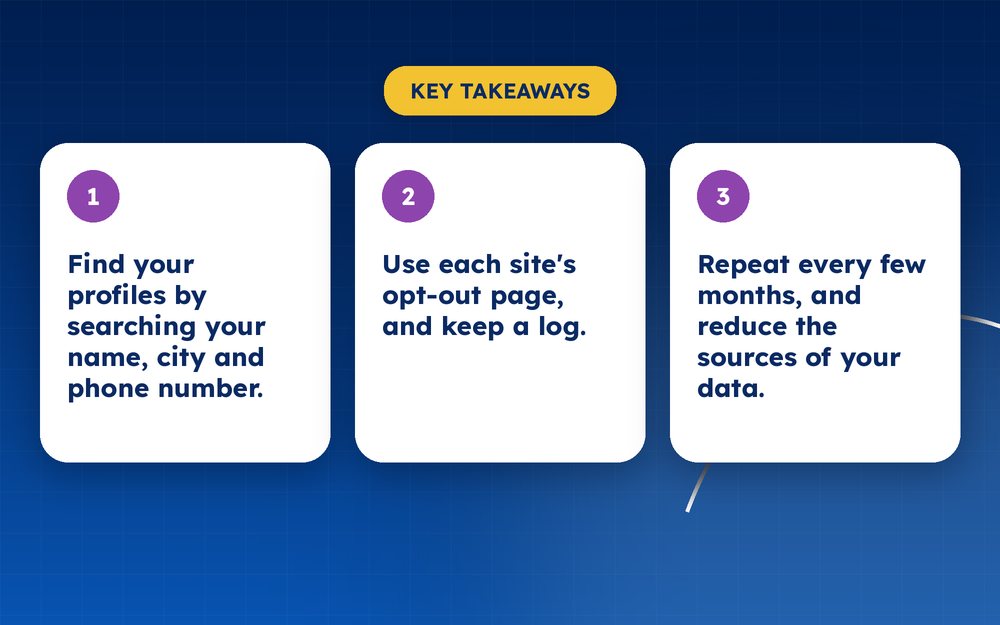
- Find your profiles by searching your name, city and phone number.
- Use each site's opt-out page, and keep a log.
- Repeat every few months, and reduce the sources of your data.
How to opt out, step by step
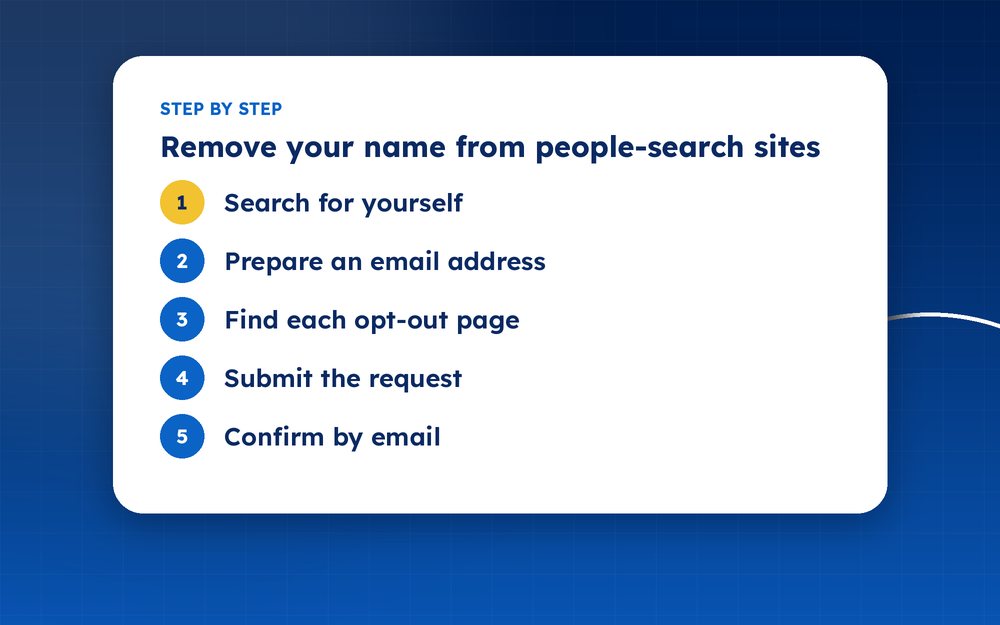
- Search for yourselfSearch your name with city, phone number and address and list the sites with profiles. Search for your name, city, phone number and address in quotes. Note each site that lists you.
- Prepare an email addressUse a separate email for opt-outs. Use an email address just for opt-outs, so confirmation emails do not clutter your inbox and your main address stays private.
- Find each opt-out pageLook for opt-out, privacy or do-not-sell links in the footer. Search each site's name with the words opt out or remove my information. Use the official page only.
- Submit the requestProvide the profile link and any needed confirmation. Fill in the form with the listing link, and avoid giving more personal details than required.
- Confirm by emailClick the confirmation links. Many sites send a confirmation email. Click the link and keep the message.
- Log each requestRecord dates and status. Write down the site, date, link and result in a spreadsheet. It makes follow-ups easy.
- Re-check regularlySearch again in a few weeks and repeat as needed. Many sites relist data. Search again every few months and repeat as needed.
Using privacy laws
In some places, laws such as state privacy rules and the GDPR give you rights to request deletion or opt out of sale of data. Mention the relevant law in your request where it applies. Check which rights apply to you.
Data brokers behind the sites
Many people-search sites buy data from larger brokers. Opting out of the main brokers can reduce re-appearance. Look up lists of brokers and their opt-out pages.
Reducing your data trail
Limit what you share on forms, registrations and public records where you can. Consider using separate contact details for public use.
Paid services
Some services do opt-outs for a fee. If you consider one, ask which sites it covers and how often it repeats the work.
What a typical case looks like
A person finds her name and address on eleven sites. She sets up a dedicated email address, works through opt-out pages in an afternoon and logs each one. Nine remove the listing within a week, and two need a second request. Three months later, she finds a new listing on a different site and repeats the process.
A simple log made the routine quick.
Common mistakes to avoid
Do not use your main email. Do not submit extra personal data. Do not forget confirmations. And do not assume one round is enough.
How a specialist can help
A specialist team can run opt-outs across many sites, repeat them regularly and monitor for new listings. We cannot promise every listing will stay removed, but we will be honest about what is realistic. Email us in confidence.
Frequently asked questions
Is it legal for these sites to list my details?
In many places, yes if they use public records, though some regions have privacy laws that give rights to remove data. Check local rules.
Do opt-outs really work?
Most reputable sites honour them, but data can reappear. Regular checks help.
Should I pay for a removal service?
You can do it yourself with time and patience. Some people prefer a service. Check what it covers.
How long does it take?
Each request takes minutes, and removal may take days to weeks.
Will Google still show my details?
Search results may remain until updated. Use search removal tools where eligible.
Is this legal advice?
No. It is general information. For privacy rights or claims, speak to a qualified lawyer.
Need help with this?
Every situation is different. Email us the details in confidence and we will reply with an honest assessment of what can be done.
Contact us by email Google search result removalThis guide is general information, not legal advice. DMCA Reputation is not a law firm.
Related guides
Why Does Removed Content Still Show on Google?
Why does removed content still show on Google? Cached snippets, mirrors, archives and recrawl delays explained, with steps to clear stale results.
Read the guide · 4 min
How to Ask Google to Remove a Page After a Court Order
How to ask Google to remove a page after a court order: what documents to submit, how the legal removal process works and what to expect. General information.
Read the guide · 3 min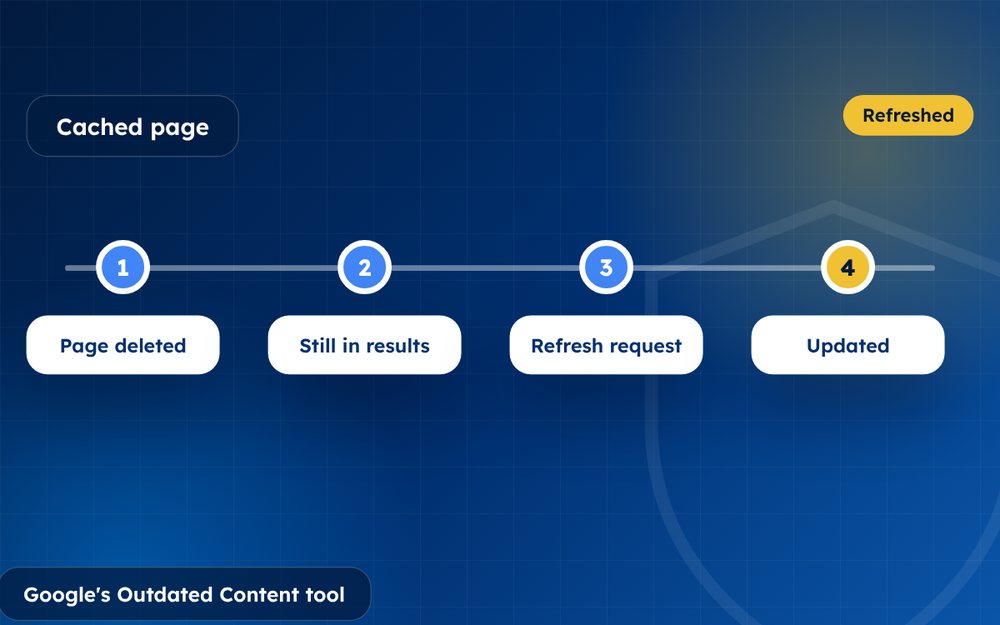
How to Refresh Outdated Content in Google Search
How to use Google's Refresh Outdated Content tool when a page or image no longer exists, or when important information has been removed from a page that stays online.
Read the guide · 4 min