
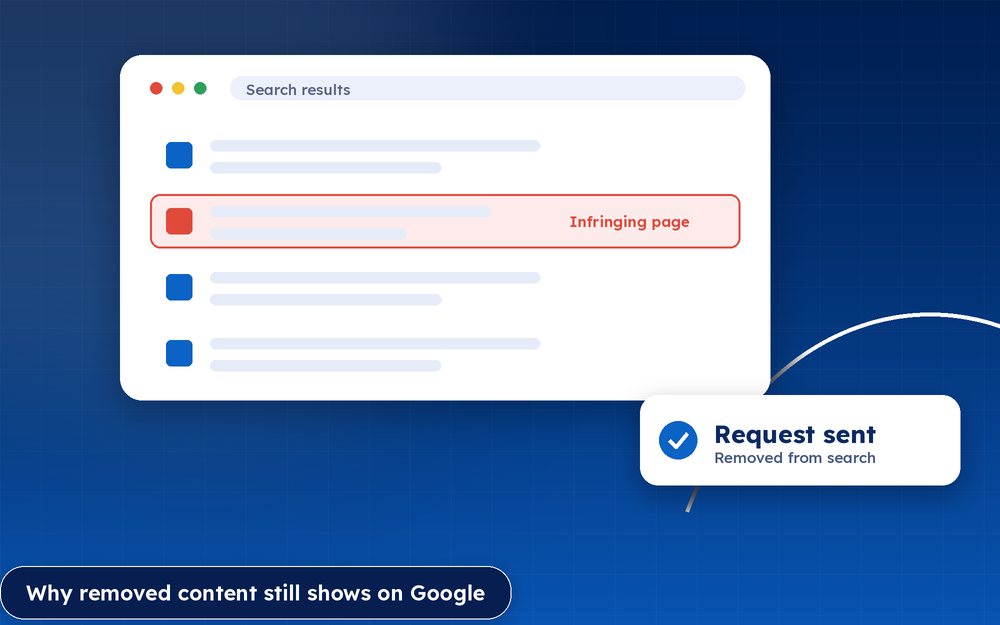
You have had content removed, but you still see it in search. This is common and usually temporary, but sometimes it points to copies you have not found yet.
Search results show what the search engine last saw. Until it recrawls the page, the old snippet can remain. Copies on other sites, archives and caches can also keep content visible.
The fix is to check whether the page is truly gone, request a refresh and look for other copies.
Seeing a result for something you know is gone can be alarming, but it is usually a timing issue or a copy elsewhere. A methodical check will show which.
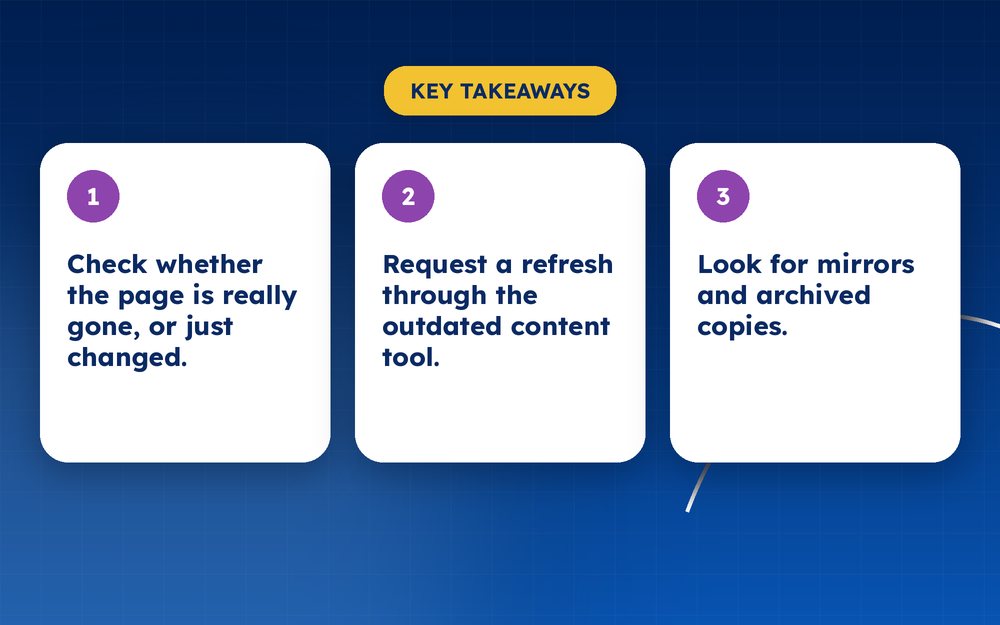
- Check whether the page is really gone, or just changed.
- Request a refresh through the outdated content tool.
- Look for mirrors and archived copies.
How to clear it, step by step
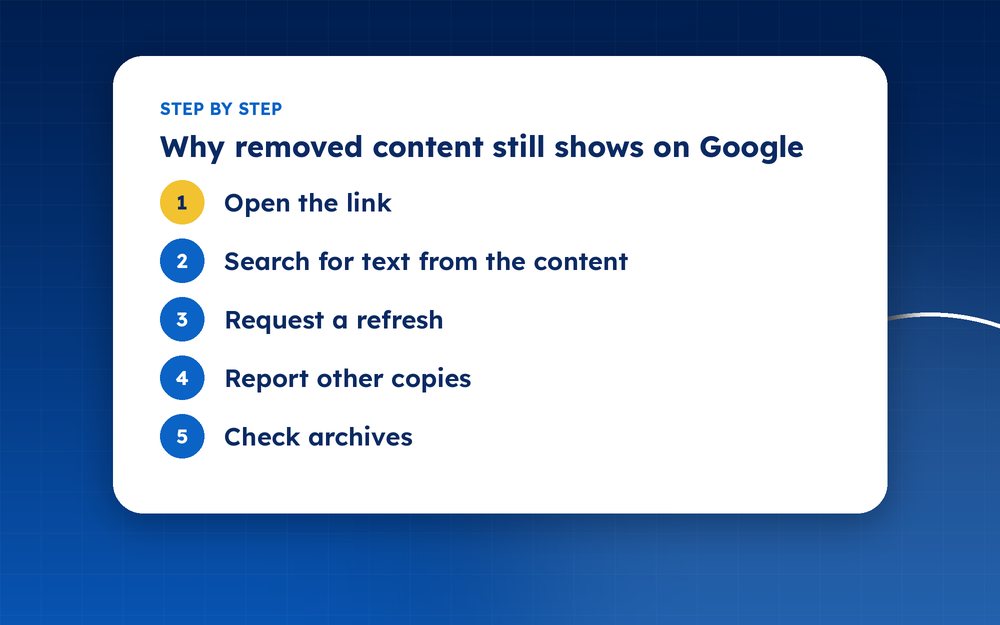
- Open the linkCheck whether it returns an error or a different page. Click the result. If it loads an error page, the content is gone and the result is stale.
- Search for text from the contentFind other pages showing the same text. Search for sentences from the content in quotes. This shows copies on other sites that may need removal too.
- Request a refreshUse the outdated content tool for the removed page. Use the outdated content tool with the address and old text to request a refresh.
- Report other copiesSend notices to mirrors and hosts. Report any other copies you find to the sites and the search engine, using the right forms.
- Check archivesAsk web archives to remove their copies where possible. Some archive sites keep old versions. Check whether yours does and ask for removal if appropriate.
- Check other search enginesSubmit requests to Bing and others. Other search engines may show the content for longer. Check and submit update requests.
- Wait and re-checkGive it several days, then repeat if needed. Wait a few days, search again and keep a note of what you have done.
Common causes
Delayed recrawling, cached snippets, mirrors, scraper sites, social shares and archives all keep content visible. Sometimes the original page was only hidden, not removed.
Looking for hidden copies
Search quoted phrases from the content, as well as image names. You may find copies you did not know about. Report each one.
Timing expectations
Refreshes can take days. If a request is rejected, it is often because the page is still live. Check and correct the source.
When content returns
If a page reappears, check whether the site restored it or someone reposted it. Keep a log of notices so you can show repeat posting.
What a typical case looks like
A man deletes a post but still sees it in search. Clicking shows an error, so he requests a refresh with the old words. He also searches a sentence in quotes and finds two copies on other sites, which he reports. The original result disappears after three days and the copies after two weeks.
Checking for copies avoided the false sense that the job was done.
How search engines refresh results
A search engine stores a copy of each page and returns to check it from time to time. Busy pages are revisited often, quiet ones may wait weeks. Until the next visit, the old title and snippet can stay on screen even though the page itself is gone. Asking for a refresh does not delete anything by itself. It tells the engine to look again, and the result changes only if the page really returns an error or the text has changed.
Telling a stale result from a live page
Open the result in a private window. An error page means the result is stale and will fade. A page that still loads means the content is live, so the fix is at the source, not in search. If the page loads but the text you wanted removed is gone, the snippet is simply old. Write down what you saw and the date, so you can show later that the request matched the situation at the time.
Common mistakes to avoid
Do not assume removal is complete without checking. Do not forget mirrors. Do not resubmit constantly. And do not forget archives.
How a specialist can help
A specialist team can find copies, send notices and request refreshes across search engines. We cannot promise results, but we will be honest about what is realistic. Email us in confidence.
Frequently asked questions
Why does a deleted page still appear?
Search engines update on their own schedule, and copies may exist on other sites.
How long until it disappears?
Often days to a few weeks. A refresh request can speed it up.
How can I find copies?
Search distinctive sentences in quotes and run image searches if relevant.
Do archives keep old versions?
Some do. Check and request removal where possible.
Will it come back?
It can if it is reposted elsewhere, so monitor.
Is this legal advice?
No. It is general information. For privacy rights or claims, speak to a qualified lawyer.
Need help with this?
Every situation is different. Email us the details in confidence and we will reply with an honest assessment of what can be done.
Contact us by email Google search result removalThis guide is general information, not legal advice. DMCA Reputation is not a law firm.
Related guides
How to Ask Google to Remove a Page After a Court Order
How to ask Google to remove a page after a court order: what documents to submit, how the legal removal process works and what to expect. General information.
Read the guide · 3 min
How to Use Google's Results About You Tool
How to use Google's Results About You tool: what it covers, how to set up monitoring, how to request removal of personal contact details and what it cannot do.
Read the guide · 4 min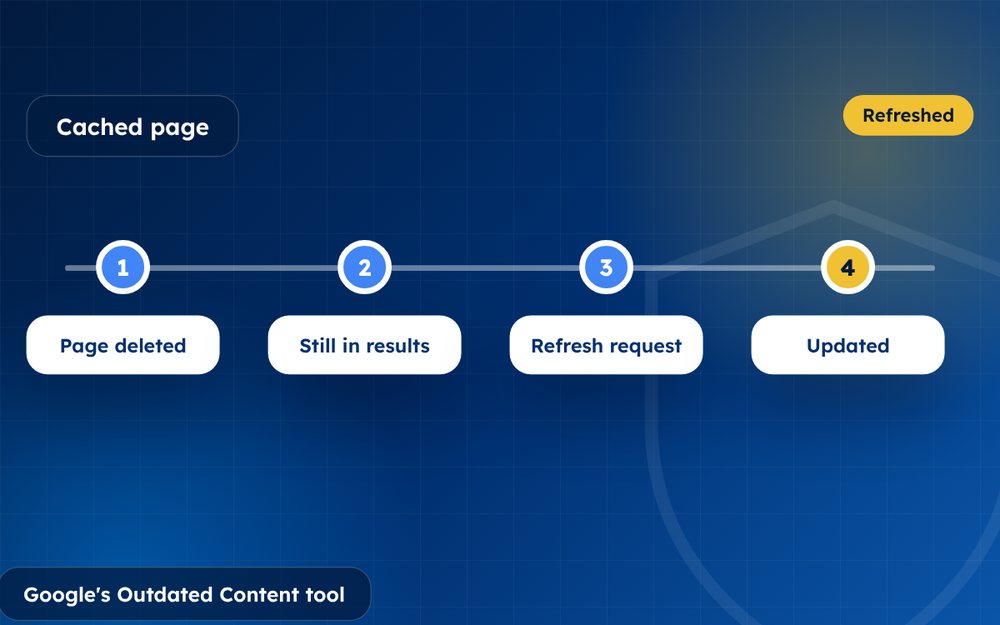
How to Refresh Outdated Content in Google Search
How to use Google's Refresh Outdated Content tool when a page or image no longer exists, or when important information has been removed from a page that stays online.
Read the guide · 4 min