
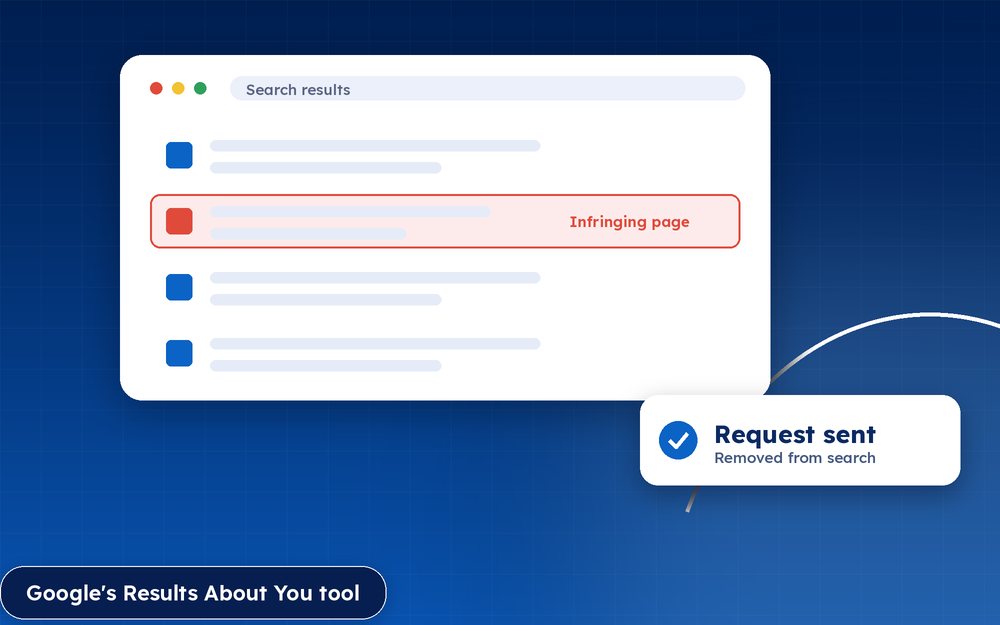
Google's Results About You tool helps you find and request removal of search results that show your personal contact information. It is free and worth setting up.
The tool lets you see when results include details like your phone number, home address or email, and to ask Google to remove those results. It can also send alerts when new results appear. The features and coverage change over time, so check Google's current help pages.
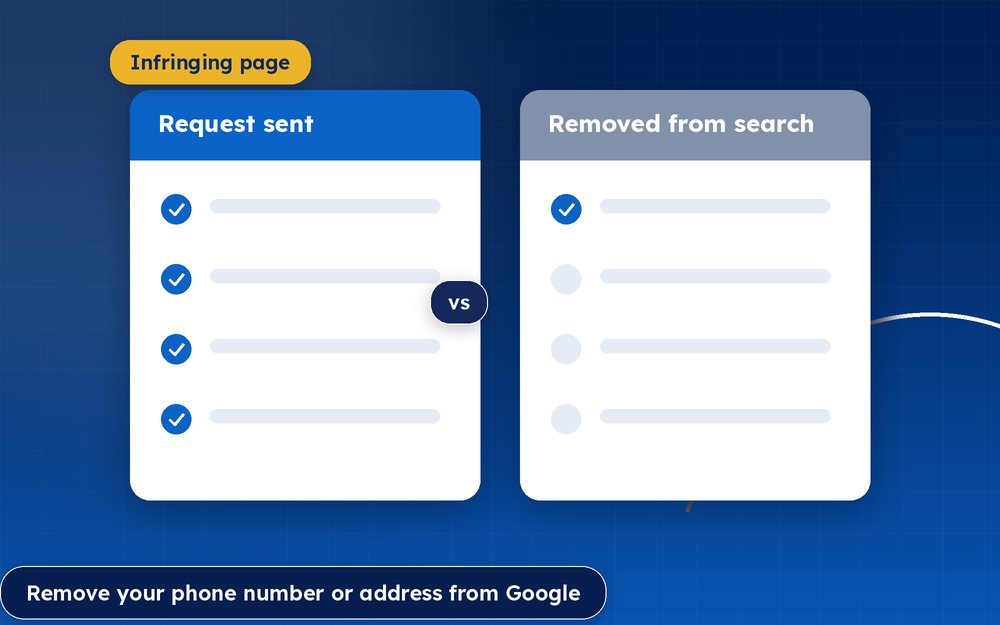
It deals with links in search results, not with the pages themselves. To remove the source, you still need to contact the website or host.
The tool works best as a routine. Set it up once, check it every few weeks and use it to catch new listings early, because the sooner a result is reported the less time it has to spread.
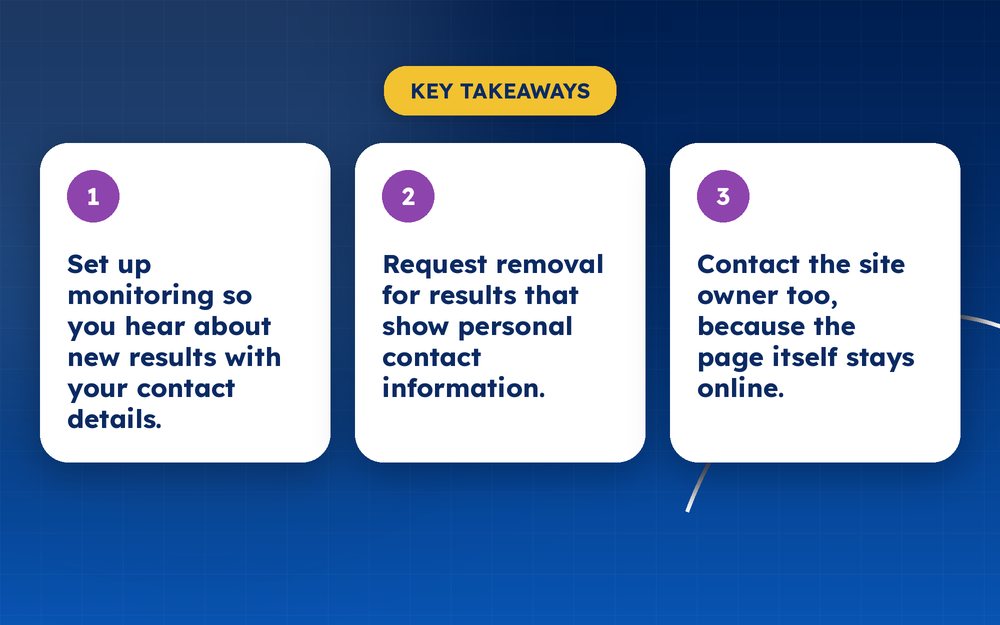
- Set up monitoring so you hear about new results with your contact details.
- Request removal for results that show personal contact information.
- Contact the site owner too, because the page itself stays online.
How to use it, step by step
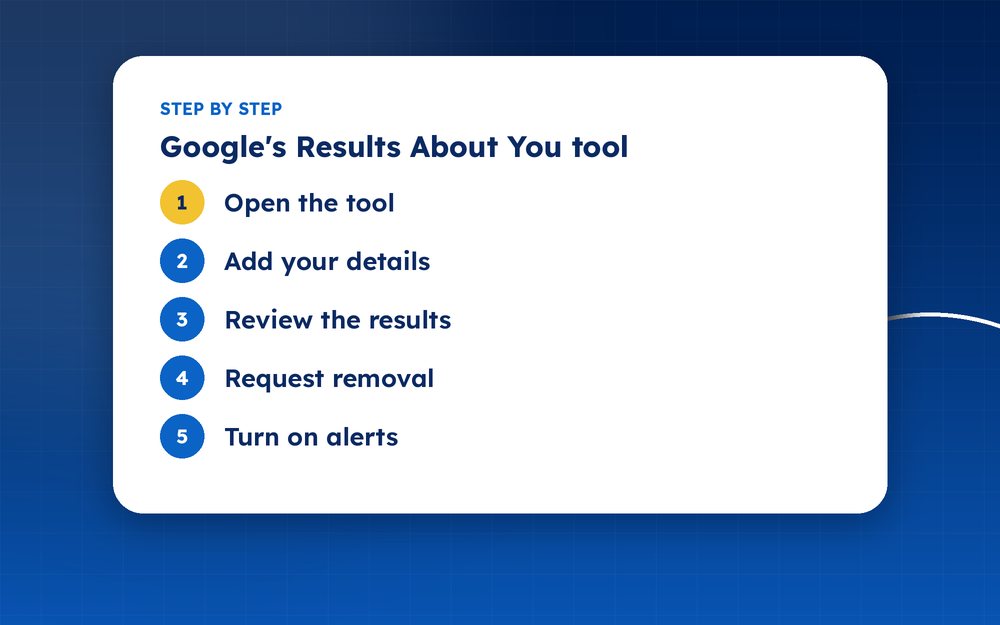
- Open the toolSign in to your Google account and find Results About You in your account settings or help pages. Open the tool through your Google account or the search page that offers it. Sign in with the account you want to protect.
- Add your detailsEnter the contact details you want to monitor, such as phone number and address. Add the details you want monitored, such as your phone number, home address and email address. Only add what you want Google to look for.
- Review the resultsLook through the results the tool finds. Review the results it finds. Some may be old listings, others may be from people with similar details. Mark the ones that concern you.
- Request removalSelect a result and follow the steps to request removal. Choose to request removal and follow the prompts, saying why the result is a problem. Pick the reason that fits, such as personal contact information.
- Turn on alertsEnable notifications for new results. Turn on alerts so you are told when new results appear. Check that notifications go to an email you read.
- Track your requestsCheck the status of each request. The tool shows requests you have made and whether they were approved. Note anything refused so you can try again with more detail.
- Contact the source sitesAsk the sites to remove your details, and use opt-out pages for data brokers. Removal from search does not delete the page. Contact the site or opt out of the data broker to remove the source.
What it covers
It is designed for results that include personal contact information. It does not cover every kind of harmful content, and Google reviews each request.
What it does not do
It does not delete pages from the web, and it does not remove results that are simply unflattering. For other content, use Google's other removal forms for explicit imagery, legal removals or copyright.
Combining with other steps
Use the tool alongside opt-outs on people-search sites, privacy settings and a regular search of your name. Together they reduce how easily people can find you.
Keeping your details current
If you change phone number or address, update the details you monitor. Review alerts promptly, since new pages appear often.
What a typical case looks like
A user adds her phone number and address and finds six results from data broker sites. She requests removal for each and turns on alerts. Four are approved within a week. She opts out at the source for two of them, and a month later an alert shows a new listing, which she reports the same day.
Using the tool together with source opt-outs gave a longer-lasting result.
Common mistakes to avoid
Do not enter details you do not want Google to hold without reading the terms. Do not rely on the tool alone. Do not forget to contact source sites. And do not ignore alerts.
How a specialist can help
A specialist team can handle opt-outs and removal requests across many sites and monitor for new results. We cannot promise every result will go, but we will be honest about what is realistic. Email us in confidence.
Frequently asked questions
What does the Results about you tool do?
It helps you find search results that contain your personal contact details and request removal of them from Google search.
Does it delete the page?
No. It removes the result from search, but the page may still exist on the site. Contact the site to remove the source.
Will every request be approved?
Not always. Requests are assessed against Google's policies, and you can try again with more detail.
How often should I check?
Alerts help, and checking every month or two is a good routine.
Is it available everywhere?
Availability can differ by country and over time, so check the help page for your region.
Is this legal advice?
No. It is general information. For privacy rights or claims, speak to a qualified lawyer.
Need help with this?
Every situation is different. Email us the details in confidence and we will reply with an honest assessment of what can be done.
Contact us by email Google search result removalThis guide is general information, not legal advice. DMCA Reputation is not a law firm.
Related guides
How to Remove Your Phone Number or Address From Google
How to remove your phone number or address from Google: request removal, opt out of people-search sites, contact site owners and prevent it from reappearing.
Read the guide · 3 min
How to Remove an Old Cached Page From Google
How to remove an old cached page from Google: why old versions appear, the tools available for updated and deleted pages and what to expect on timing.
Read the guide · 4 min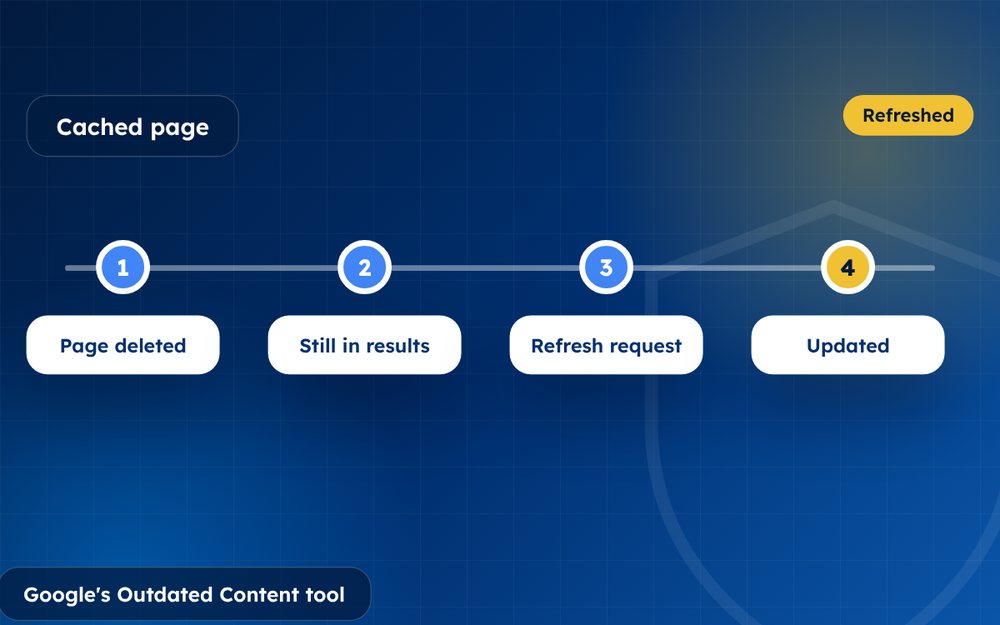
How to Refresh Outdated Content in Google Search
How to use Google's Refresh Outdated Content tool when a page or image no longer exists, or when important information has been removed from a page that stays online.
Read the guide · 4 min