
Cyberstalking is repeated online harassment, monitoring or threats that make you feel unsafe. It is serious, and there are practical steps you can take.
Cyberstalking may include repeated messages, tracking your location, creating fake accounts, posting about you or accessing your accounts. It is a crime in many places.
If you feel in danger, contact emergency services. Support organisations can help with safety planning.
Cyberstalking often grows slowly. It may begin with messages you ignore, then move to fake accounts, comments on everything you post, or knowing things the person should not know. If you feel watched, trust that feeling and start a record early, even if you are not sure it will become serious.
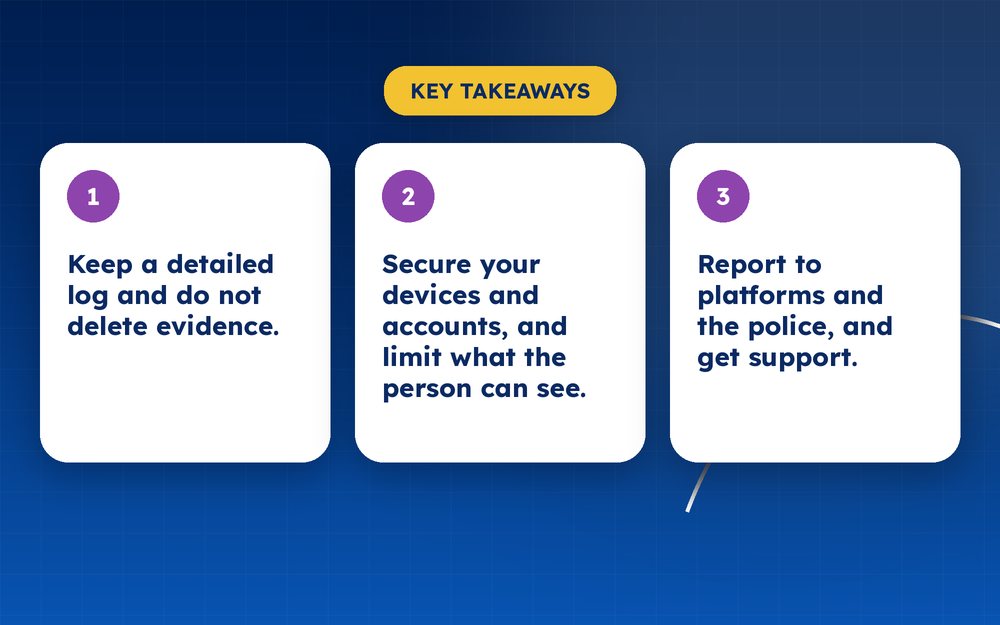
- Keep a detailed log and do not delete evidence.
- Secure your devices and accounts, and limit what the person can see.
- Report to platforms and the police, and get support.
What to do, step by step
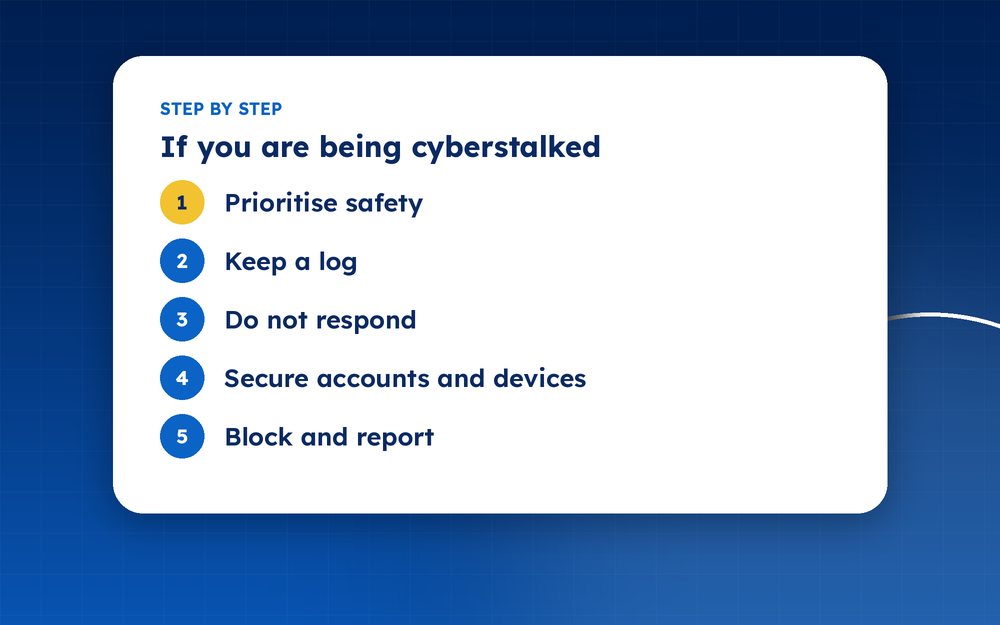
- Prioritise safetyIf there are threats, call emergency services and talk to a support service about safety planning. If you are in immediate danger, call emergency services. Otherwise, contact a victim support service or helpline that can help you plan, such as changing routes, telling people at work and deciding what to share. You do not need to prove anything to ask for support.
- Keep a logRecord dates, times, messages and accounts. Write down every incident with date, time, platform, username and what happened. Keep screenshots and original messages. A long, specific log is one of the strongest things you can give the police.
- Do not respondReplying can encourage contact. Replying can encourage the person and sometimes escalates things. If you have already replied, do not worry, but stop. Save everything first, then block.
- Secure accounts and devicesChange passwords, check for tracking apps and update software. Use a device you trust, ideally not the one you suspect, to change passwords and add two-step sign-in. Check app permissions, location sharing, linked devices and any unfamiliar apps. Update your phone and computer.
- Block and reportBlock accounts and report them to platforms. Block accounts, but remember the person may create new ones. Report each account for harassment or stalking, and keep a record of each report.
- Report to the policeGive them your log and evidence. Give the police your log and evidence, and ask for a reference number. Ask what protective orders exist where you live and what they require.
- Get supportContact victim support services. Support services can listen, help you plan and sometimes advocate for you. Tell friends or family so you are not alone.
Checking for tracking and spyware
If you suspect someone has access to your phone or accounts, use a trusted device to change passwords, and ask a professional to check your devices. Be careful, since removing spyware may alert the person.
Safety planning
Support organisations can help you plan for different scenarios, including changing routines and contact details.
Working with the police
Provide a clear timeline, ask for a reference number and ask about protective orders.
Reducing online exposure
Review privacy settings, remove location data and consider opt-outs from data sites.
What a typical case looks like
Someone begins sending a woman dozens of messages from new accounts after she blocks them. They comment on her photos and seem to know where she is. She starts a log, secures her accounts and removes location sharing from her apps. She reports each account and tells her workplace. A support service helps her plan, and she gives the police her log. The platform suspends the accounts, and the police warn the person.
Her log made each report credible, and securing accounts reduced what the person could see.
Signs your device may be compromised
Warning signs include a battery that drains quickly, unfamiliar apps, accounts logged in from places you have not been, or someone knowing private information. If you suspect spyware, do not confront the person. Use another device to change passwords, and ask a trusted professional to check the suspect device.
Common mistakes to avoid
Do not delete messages. Do not confront the person. Do not ignore signs of device compromise. And do not isolate yourself.
How a specialist can help
A specialist team can find and report content and monitor for new posts while you work with the police and support services. We are not a law firm and cannot give legal advice. Email us in confidence.
Frequently asked questions
Is cyberstalking a crime?
In many countries, yes. Repeated unwanted contact, threats, monitoring and harassment online can be offences under stalking or harassment laws. The details vary, so report to the police and let them advise on the law where you live.
Should I block the person?
Usually yes, after saving evidence. Blocking can reduce contact, but the person may create new accounts. Keep reporting and logging, and tell the police if it continues.
How can I check for spyware?
Look for unfamiliar apps, unusual battery use and unknown logins, and ask a trusted professional to examine the device. Be careful, because removing spyware can alert the person, so plan this with a support service.
Can the police help?
They can record the report, investigate and sometimes help you get protective orders. Bring your log and evidence, and ask for a reference number and what will happen next.
Where can I get support?
Victim support services, domestic abuse and stalking helplines and local charities can offer advice and safety planning. Search for services in your country, and ask the police for referrals.
Is this legal advice?
No. It is general information. For protective orders or claims, speak to the police and a qualified lawyer.
Need help with this?
Every situation is different. Email us the details in confidence and we will reply with an honest assessment of what can be done.
Contact us by email Harassment and doxxing responseThis guide is general information, not legal advice. DMCA Reputation is not a law firm.
Related guides
How to Document Online Harassment So It Can Be Used in Court
How to document online harassment so it can be used in court: what to capture, how to preserve it, building a log and working with police and lawyers.
Read the guide · 4 min
How to Remove Photos of Your Children Posted Online
How to remove photos of your children posted online: ask the poster, report to platforms, contact schools and clubs, use search removal and protect privacy going forward.
Read the guide · 5 min
What to Do When You Are Doxxed: A Step-by-Step Guide
What to do when you are doxxed: safety steps, removing personal information, reporting, securing accounts and getting support.
Read the guide · 4 min