
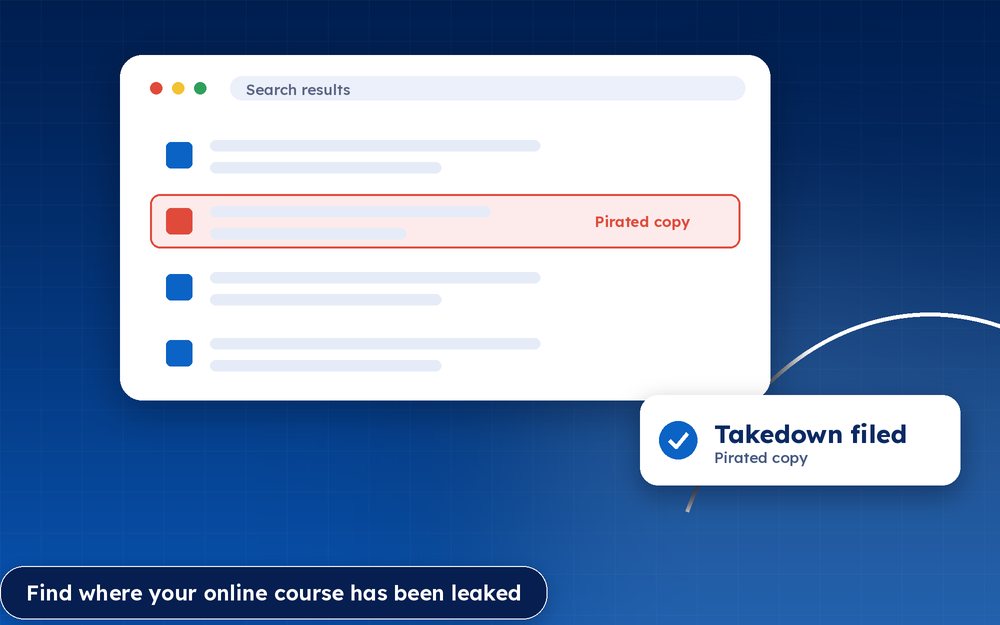
You cannot remove what you cannot find. A few targeted searches and some regular monitoring will show you where your course is being shared.
Leaked courses appear in search results, Telegram channels, Discord servers, torrent indexes, file hosts and reseller sites. Each has its own search habits, but they share one thing: they use your course name.
This guide shows practical searches and tools. If you prefer not to search, a monitoring service can do it for you.
Searching in a planned way saves time and emotional energy. Decide on a short list of search terms, check each place once and record the results, rather than searching endlessly.
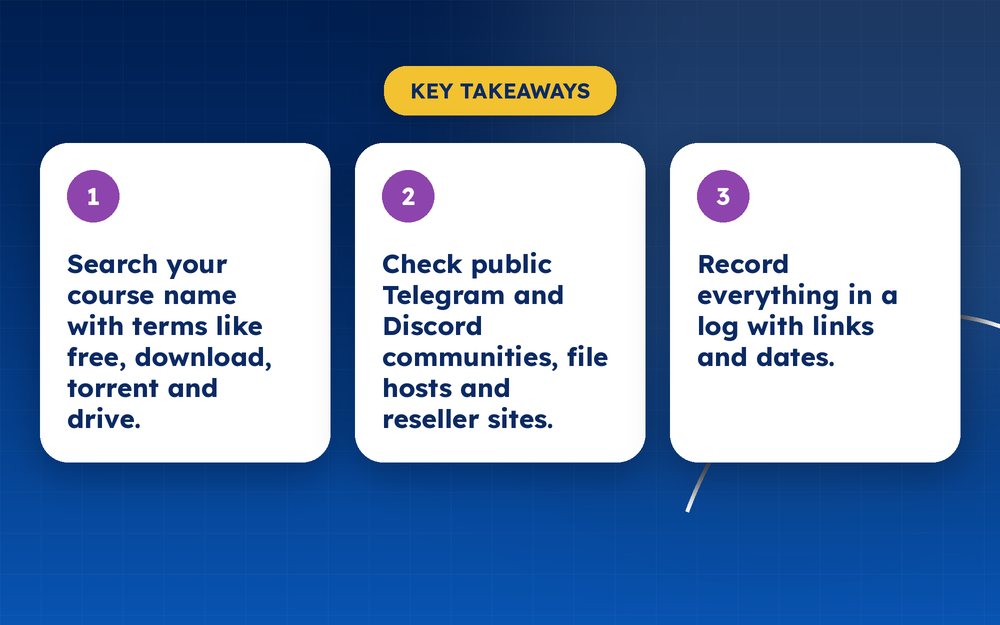
- Search your course name with terms like free, download, torrent and drive.
- Check public Telegram and Discord communities, file hosts and reseller sites.
- Record everything in a log with links and dates.
How to find leaks, step by step
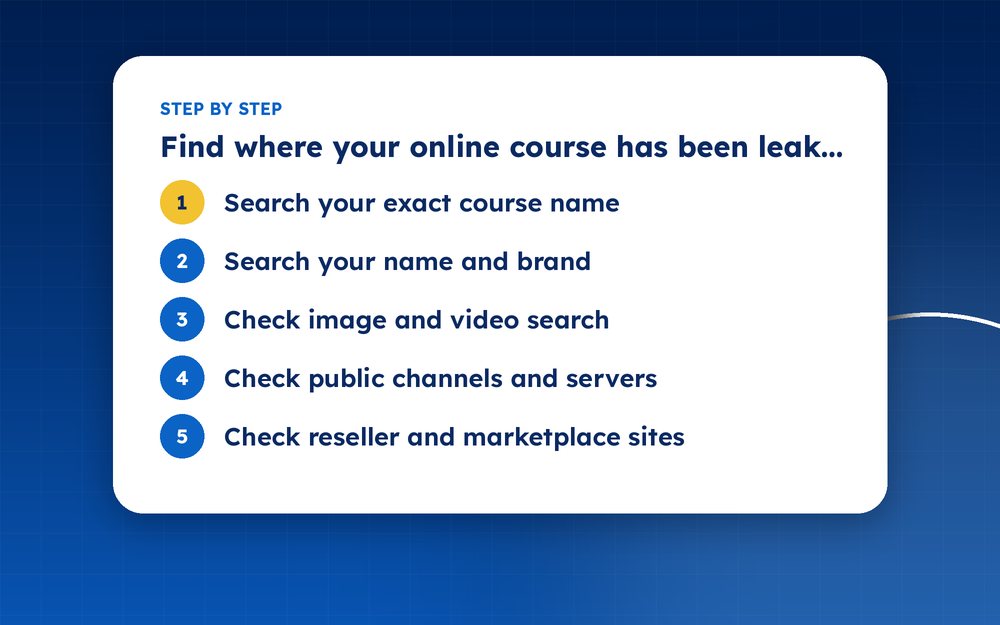
- Search your exact course nameUse quotes, and add words like free, download, torrent, mega, drive and group buy. Search the exact title in quotes with words like free, download, torrent and reseller. Check several pages of results.
- Search your name and brandInclude your name with the course title and the platform you use. Search your own name, brand and lesson names with the same words. Pirates often keep the original wording.
- Check image and video searchPirated listings often reuse your promotional images. Search for screenshots and thumbnails from your course, and use reverse image search on your cover image.
- Check public channels and serversSearch Telegram and Discord directories for your course name. Look for public Telegram channels, Discord servers and forums that mention your course. Search by title and by your name.
- Check reseller and marketplace sitesLook for sellers offering your course or bundles that include it. Check marketplaces and reseller sites that sell courses in bundles. Look for your title in their catalogues.
- Set up alertsUse search alerts for your course name and variations. Set up alerts for your course name and brand so you hear about new copies quickly.
- Record what you findLog links, screenshots and dates, ready for notices. Record every find in a spreadsheet with link, date, type and status. It becomes your action list.
Where leaks hide
File hosts, group buy sites and private communities often do not appear in search results. For those, you may need a monitoring service or a helper who can check directories and communities. Keep in mind that some spaces require accounts, and you should follow each platform's rules.
Using reverse search on materials
Search for unique phrases from your course, such as headline or module titles. Pirated copies often keep the file names and slide text. Searching these can reveal copies that use new titles.
Prioritising what you find
Rank what you find by visibility. Pages that appear on the first page of search results for your course name, and channels with many members, matter more than obscure links. Start with those.
Keeping records for later
A tidy log makes notices faster and lets you spot repeat offenders. Include the date you found each link, the date you reported it and the response.
What a typical case looks like
A coach runs a weekly search and finds her course on a reseller site, a forum thread and two video pages. She logs each find and sorts them by how much traffic they get. She starts with the reseller site and the forum, which are the most visible, and sends notices. The next week, her alert flags a new Telegram post, which she adds to the list.
A routine and a log meant she was no longer chasing leaks by chance.
Common mistakes to avoid
Do not download pirated copies to check them. Do not click unknown links on your main device. Do not share links publicly. And do not stop at one search.
How a specialist can help
A specialist team can search across the places leaks hide and report back with a clean list of links and evidence. We cannot promise to find every copy, but we will give you an honest picture. Email us in confidence.
Frequently asked questions
How do I find leaked copies of my course?
Search the title, your name and lesson names, check image and video search, public channels and reseller sites, and set up alerts.
How often should I search?
Weekly is a good routine at launch, and monthly later.
Can I search private groups?
Not without access. You can often act on public pages, and ask students to share links.
What should I record?
The link, the date, where it appears, screenshots and what you did.
Do I have to look myself?
No. You can ask a trusted person or a service to search and report.
Is this legal advice?
No. It is general information. For claims or court action, speak to a qualified lawyer.
Need help with this?
Every situation is different. Email us the details in confidence and we will reply with an honest assessment of what can be done.
Contact us by email Piracy monitoringThis guide is general information, not legal advice. DMCA Reputation is not a law firm.
Related guides
How to Stop Course Sharing Inside Your Membership Community
How to stop course sharing inside your membership community: set clear rules, use access controls and watermarks, handle offenders and keep your community healthy.
Read the guide · 3 min
How to Send a DMCA Notice for a Pirated Ebook or Digital Product
How to send a DMCA notice for a pirated ebook or digital product: what to include, who to send it to, a simple structure and what to do if the site does not respond.
Read the guide · 4 min
How to Send a DMCA Takedown Notice (With Template)
How to send a DMCA takedown notice: what to include, who to send it to, a free template, counter-notices and common mistakes.
Read the guide · 5 min