
Software review sites matter in B2B buying. G2 and Capterra remove reviews that break their guidelines, not reviews that are simply critical, so the key is to know the rules and respond well.
These sites usually verify reviewers, for example through a work email or a LinkedIn profile, and have guidelines about fake reviews, competitor reviews, incentives and abusive content. Check each site's current rules.
For honest criticism, a professional reply and product improvements are usually the best route. For reviews that appear fake or break rules, a clear report with evidence can lead to removal.
Software review sites usually verify reviewers, so removals are rare. The best chance is a clear breach of the guidelines or proof that the review is not genuine.
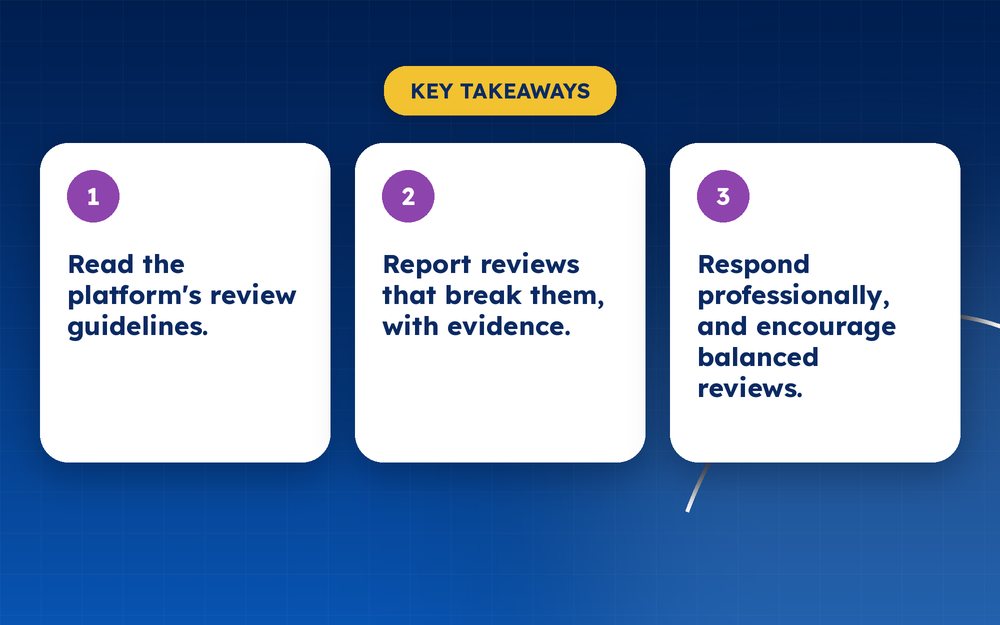
- Read the platform's review guidelines.
- Report reviews that break them, with evidence.
- Respond professionally, and encourage balanced reviews.
What to do, step by step
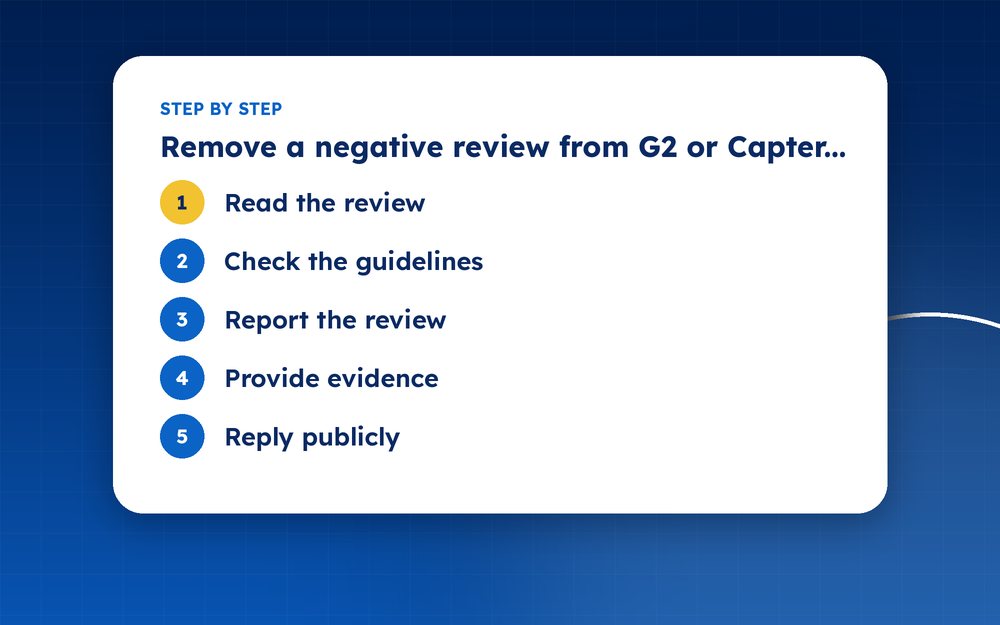
- Read the reviewDecide whether it is critical but honest, or breaks a rule. Read it carefully. Note which statements are facts, opinions or outdated points.
- Check the guidelinesLook for rules on competitors, fake reviews, incentives and abuse. Look at the site's guidelines for conflicts of interest, competitors, personal information and unverified reviews.
- Report the reviewUse the vendor tools to flag it, and explain which rule it breaks. Use the report option and point to the exact guideline that applies.
- Provide evidenceShow signs such as the reviewer being a competitor or not a customer. Provide evidence, such as proof the reviewer is a competitor or never used the product.
- Reply publiclyRespond with empathy and describe what you are doing about the issue. Reply politely and say what you have done about the feedback. Keep it short.
- Ask customers for reviewsInvite verified users, following the platform's rules on incentives. Ask satisfied customers to leave reviews, following the site's rules.
- Learn from patternsShare common feedback with product and support teams. Look for common themes in negative reviews and use them to improve.
What review sites usually act on
Common grounds include reviews by competitors, reviews by people who have not used the product, reviews with abuse or personal data and incentivised reviews that were not disclosed. Genuine users who dislike features usually remain.
Writing a strong reply
Thank the reviewer, acknowledge the problem and explain any fixes or workarounds. Avoid defensive language. Prospective buyers read replies to judge your support quality.
Encouraging balanced reviews
A steady stream of reviews from verified customers gives a more accurate picture. Ask after successful onboarding or support, and make it easy to submit. Follow the platform's incentive rules carefully.
When reviews are accurate
If the review is right, the best response is to fix the issue. Many vendors turn critical reviews into product improvements and mention them in their replies.
What a typical case looks like
A software firm finds a harsh review from a user who appears to work for a competitor. It reports the review with the reviewer's profile and a note about the conflict of interest. The site investigates and removes the review after two weeks. The firm also replies to two genuine negative reviews, explaining the fixes it has made.
Evidence of a conflict of interest was the deciding factor.
Common mistakes to avoid
Do not ask customers to post only positive reviews. Do not offer undisclosed incentives. Do not argue with reviewers. And do not post fake reviews.
How a specialist can help
A specialist team can assess a review, prepare a policy-based report and follow up. We cannot promise removal, but we will be honest about what is realistic. Email us in confidence.
Frequently asked questions
Can I remove a negative review on G2 or Capterra?
Only if it breaks the site's guidelines, such as a conflict of interest or fake review.
Should I reply?
Yes, politely and briefly.
Can I ask the reviewer to change it?
You may be able to contact them through the site's process. Be careful about inducements.
How do I get more reviews?
Ask satisfied customers within the site's rules.
What if it is accurate?
Fix the issue and say so in your reply.
Is this legal advice?
No. It is general information. For claims or court action, speak to a qualified lawyer.
Need help with this?
Every situation is different. Email us the details in confidence and we will reply with an honest assessment of what can be done.
Contact us by email Negative content removalThis guide is general information, not legal advice. DMCA Reputation is not a law firm.
Related guides
What to Do If a Complaint Site Asks You to Pay for Removal
What to do if a complaint site asks you to pay for removal: why this is a red flag, how to check the terms, how to respond and what legitimate options exist.
Read the guide · 3 min
How to Remove a Scam Accusation From Scam-Report Websites
How to remove a scam accusation from scam-report websites: check the facts, use site processes, provide evidence, respond publicly and manage search visibility.
Read the guide · 4 min
How to Remove a Defamatory Website or Blog Post About You
How to remove a defamatory website or blog post about you: evidence, host and platform complaints, legal routes and search suppression.
Read the guide · 4 min