
Not every search engine has its own removal form. DuckDuckGo relies largely on other sources, and Yandex has its own tools. Knowing where to send requests saves time.
DuckDuckGo uses results from several sources, including Bing and its own crawler, so removing content from the underlying sources often changes what it shows. It also has a way to report certain content.
Yandex runs its own index and offers tools for webmasters and for reporting specific issues. Both change over time, so check their current help pages.
These search engines mostly rely on other sources for their results, so fixing the source is the most effective step. Direct requests are possible but narrower than on the largest engine.
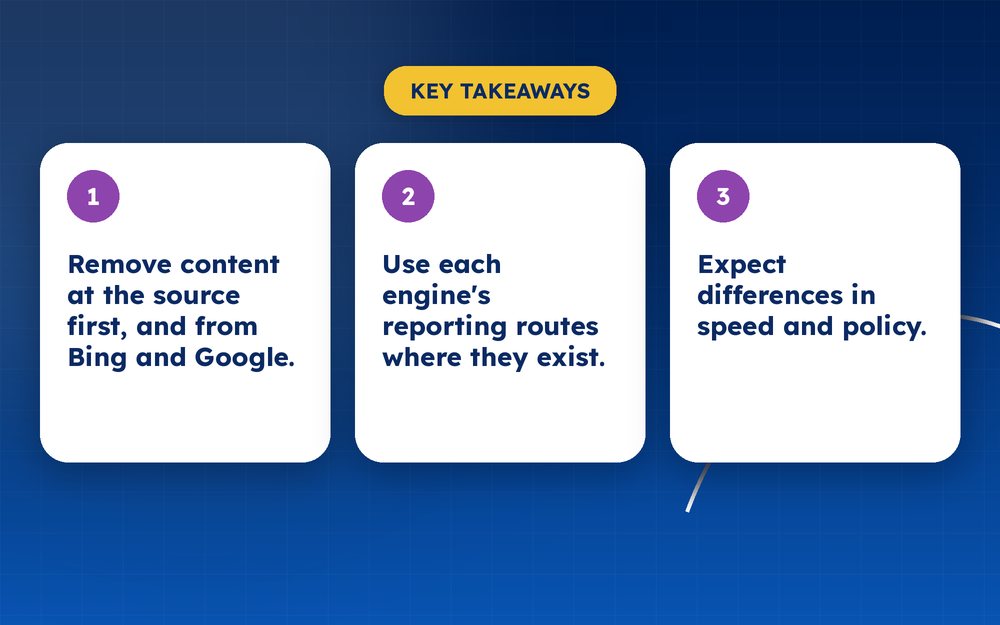
- Remove content at the source first, and from Bing and Google.
- Use each engine's reporting routes where they exist.
- Expect differences in speed and policy.
How to deal with it, step by step
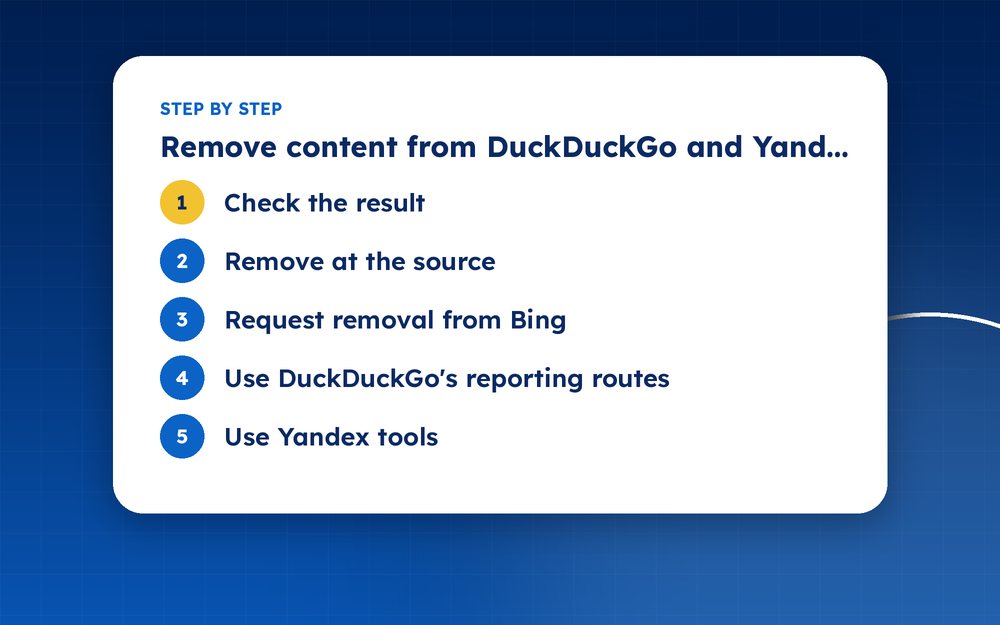
- Check the resultSearch the content on each engine and record links. Search for the content on each engine and save the links. Check whether the same pages appear on others.
- Remove at the sourceAsk the site or host to remove it, since this fixes every engine. Contact the site owner or host to remove the content, because search results will follow when the page disappears.
- Request removal from BingDuckDuckGo often reflects Bing's results. DuckDuckGo gets many results from Bing, so a request to Bing can help. Use its removal forms for personal data or legal issues.
- Use DuckDuckGo's reporting routesCheck its help pages for report options. DuckDuckGo has feedback and reporting routes for certain issues. Use them with exact links and a short explanation.
- Use Yandex toolsWebmasters can use its tools, and others can use its reporting forms. Yandex has forms for requesting removal of certain content, including copyright and personal data. Check the current options.
- Follow upCheck results after a few days. After a few days, check the results and send a short follow-up if needed.
- MonitorRe-check periodically. Search for your name and the content every few weeks.
Why source removal matters
Search engines reflect what is on the web. If the page is gone, results fade. Source removal also helps with smaller engines that have no forms.
DuckDuckGo specifics
Because it draws on other indexes, requests to those sources often have the best effect. DuckDuckGo may also respond to reports about specific types of content. Check its current options.
Yandex specifics
Yandex has webmaster tools to control indexing and its own processes for complaints. Response times and policies differ from Western engines, so allow extra time and keep records.
Other engines
Search engines like Brave, Ecosia and Startpage use other indexes in part, so the same principle applies: fix the source and the major indexes.
What a typical case looks like
A user finds that a page removed from the largest search engine still appears on two others. He removes the source page, requests removal from Bing for personal data and sends reports to DuckDuckGo and Yandex. Within two weeks, the page disappears from all three, apart from one cached result which updates later.
Addressing the source plus each engine was necessary.
Common mistakes to avoid
Do not forget Bing. Do not expect one request to cover all engines. Do not skip source removal. And do not stop checking.
How a specialist can help
A specialist team can submit requests across engines and source sites and monitor results. We cannot promise results, but we will be honest about what is realistic. Email us in confidence.
Frequently asked questions
Can I ask DuckDuckGo to remove a result?
You can report certain issues, but because it uses other sources, removing the page or requesting removal at the source engine is often more effective.
What about Yandex?
Yandex has its own removal routes for certain content. Check the current forms.
Why does content appear on one engine but not another?
Engines use different indexes and update at different times.
Is source removal better?
Yes. When the page is gone, results should disappear over time.
How long does it take?
From days to weeks.
Is this legal advice?
No. It is general information. For privacy rights or claims, speak to a qualified lawyer.
Need help with this?
Every situation is different. Email us the details in confidence and we will reply with an honest assessment of what can be done.
Contact us by email Google search result removalThis guide is general information, not legal advice. DMCA Reputation is not a law firm.
Related guides
How to Remove Your Name From People-Search and Background Check Sites
How to remove your name from people-search and background check sites: opt-out steps, what to prepare, how often to repeat and how to reduce your data trail.
Read the guide · 3 min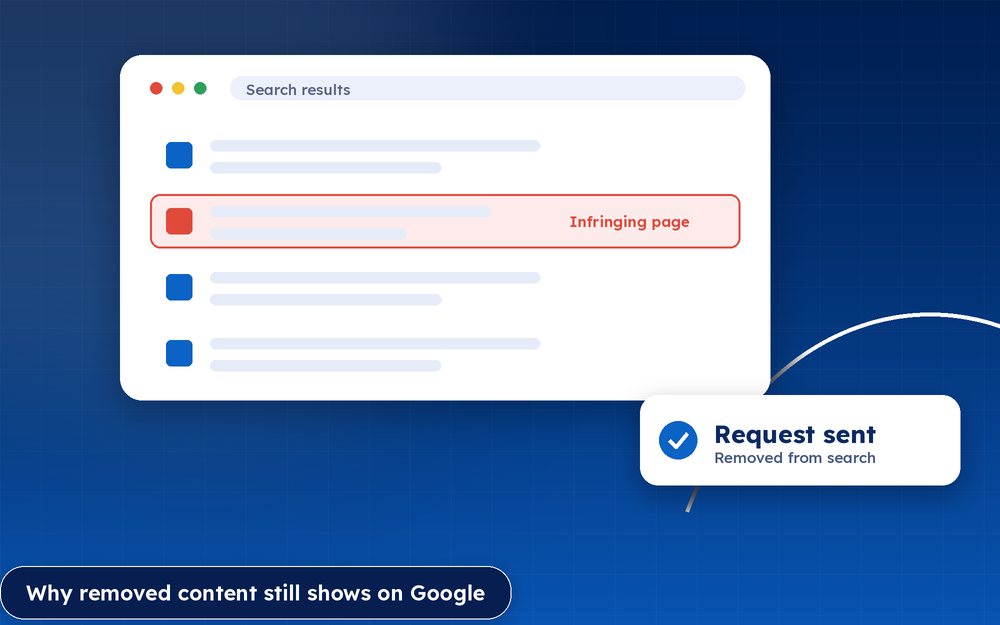
Why Does Removed Content Still Show on Google?
Why does removed content still show on Google? Cached snippets, mirrors, archives and recrawl delays explained, with steps to clear stale results.
Read the guide · 4 min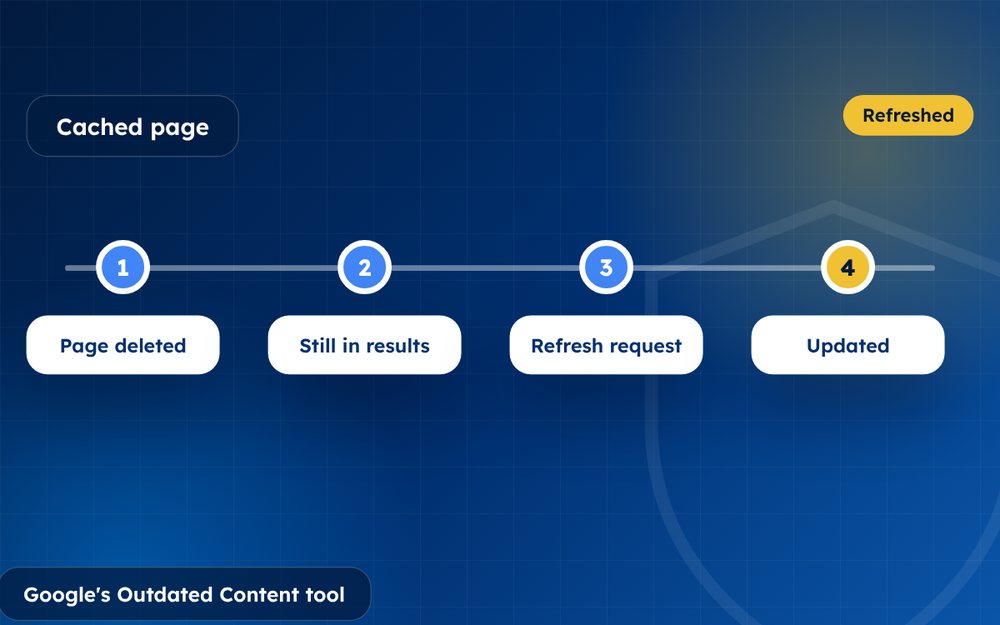
How to Refresh Outdated Content in Google Search
How to use Google's Refresh Outdated Content tool when a page or image no longer exists, or when important information has been removed from a page that stays online.
Read the guide · 4 min